VeloDB Cloud 26.x·Apache Doris 4.x (≤ 4.0 supported)·"Since X.Y" tags refer to Doris versionsversion mapping →
Cluster Details
On the Cluster Overview page, click a cluster card to open its Cluster Details page (available when the cluster's status allows it).
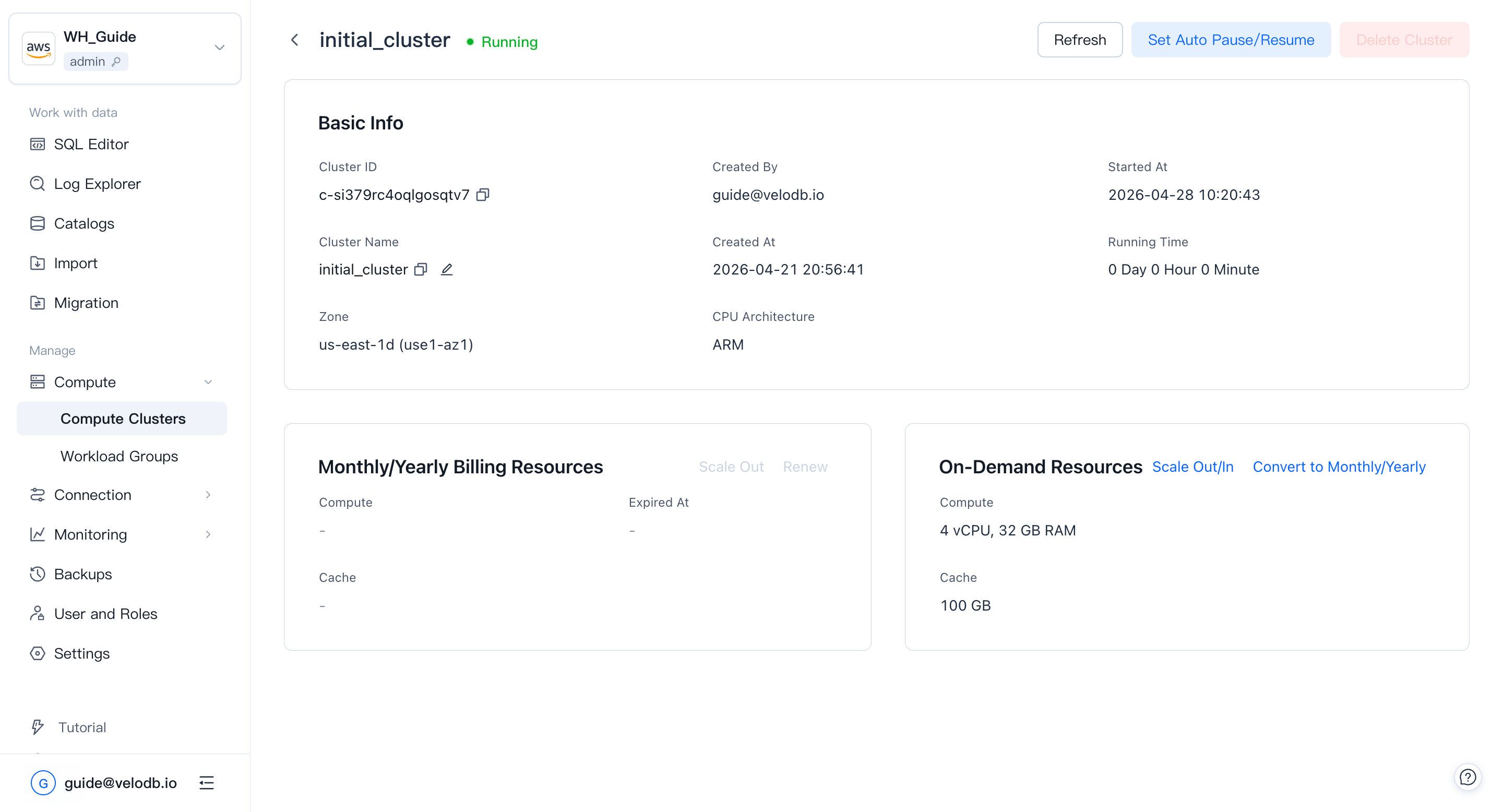
Basic information:
| Parameter | Description |
|---|---|
| Cluster ID | Globally unique. Starts with c-, followed by 18 characters from 26 lowercase letters and 10 digits. |
| Cluster Name | Unique within a warehouse; supports one-click copy and in-place rename. Click the edit icon, enter the new name, and confirm twice. The name must start with a letter; up to 32 characters; letters (case-insensitive), digits, and underscores. |
| Created By | The user who created the cluster. |
| Created At | When the cluster was created. |
| Started At | When the cluster was last rebooted or resumed. |
| Running Time | Running time since the last reboot or resume. |
| Zone | The availability zone the cluster runs in. |
| CPU Architecture | Compute CPU architecture (x86 or ARM). Only visible for AWS-based warehouses today. Requires core version 4.0.4 or above to create ARM clusters; at the same specification, ARM delivers more than 30% higher performance than x86. Architecture cannot be changed after creation. |
Note Renaming a cluster affects SQL (
USE { [catalog_name.]database_name[@cluster_name] }) and any connection string that references the cluster. After renaming, update your clients or set a default cluster for the relevant database users -- otherwise related requests will fail.
On-demand resources:
| Parameter | Description |
|---|---|
| Compute | Current compute resources of the cluster. |
| Cache | Current cache space of the cluster. |
| Scale Out / In | Adjust compute or cache by clicking Scale Out/In. |