Backups
VeloDB Cloud lets you back up databases to object storage — either on a recurring schedule or as a one-time task — and restore data from any retained backup set to help keep your warehouse highly available.
Open Backups from the Manage group in the left navigation.
Create a backup plan
On the Backups page, click Create Backup Plan. A warehouse can run either a periodic plan or a one-time plan; creating or updating a plan overwrites the previous one.
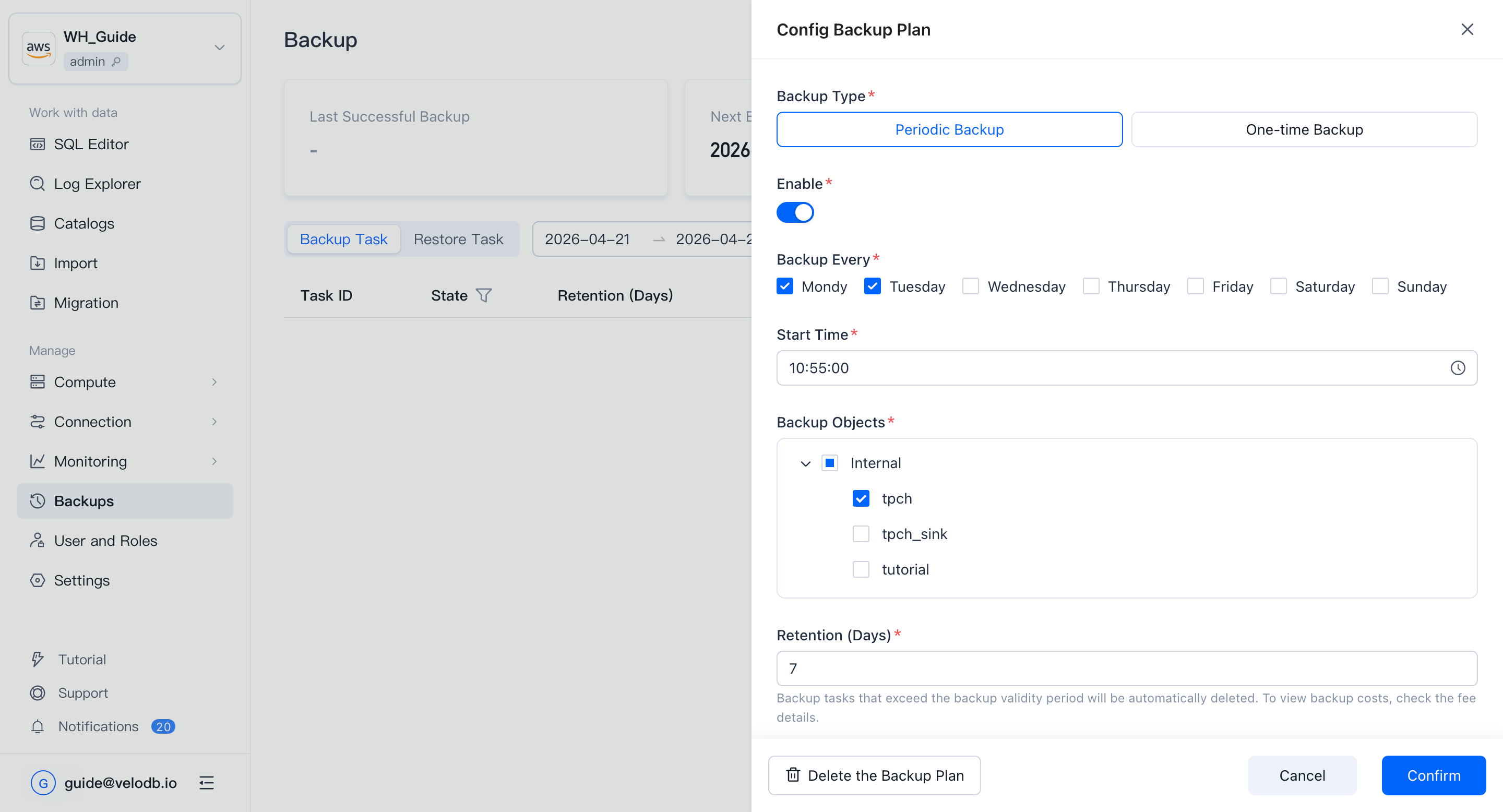
Periodic backup
For a periodic plan, choose whether to enable it, the backup cycle, start time, backup objects, retention days, and the cluster used to perform the backup. Save to apply.
One-time backup
For a one-time plan, pick the start time, backup objects, retention days, and the cluster used to perform the backup. Save to apply.
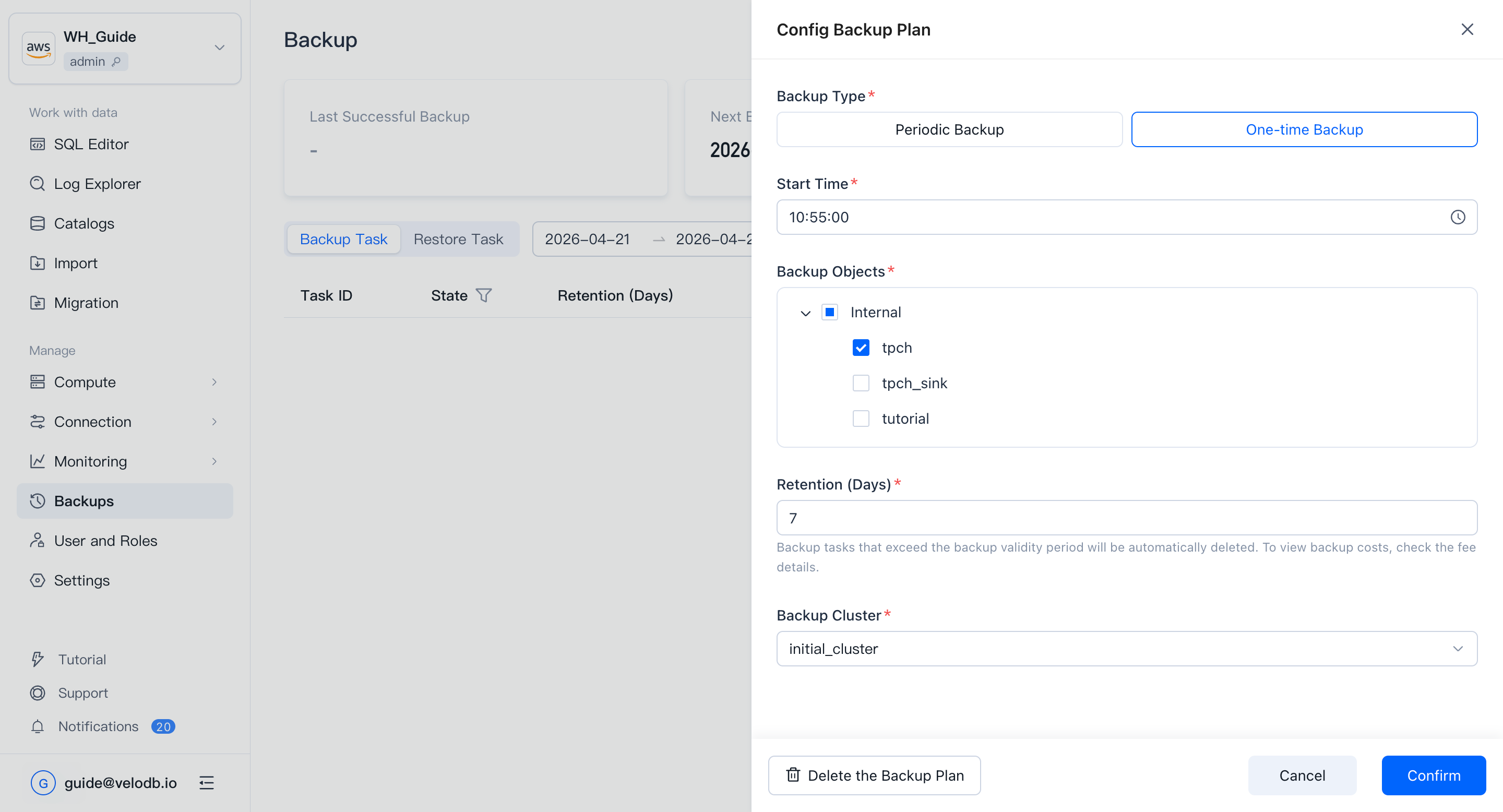
Parameter reference
| Parameter | Description |
|---|---|
| Backup Every | Choose any combination from Monday to Sunday (at least one day, at most seven). |
| Start Time | The time at which each backup run starts. |
| Backup Objects | Internal Catalog: the full database. External Catalog: DDL only, not data. |
| Backup Retention Days | Backup sets older than this are cleaned up automatically. |
| Backup Cluster | Backups consume compute. When the warehouse has multiple clusters, pick the cluster to use. |
View backup tasks
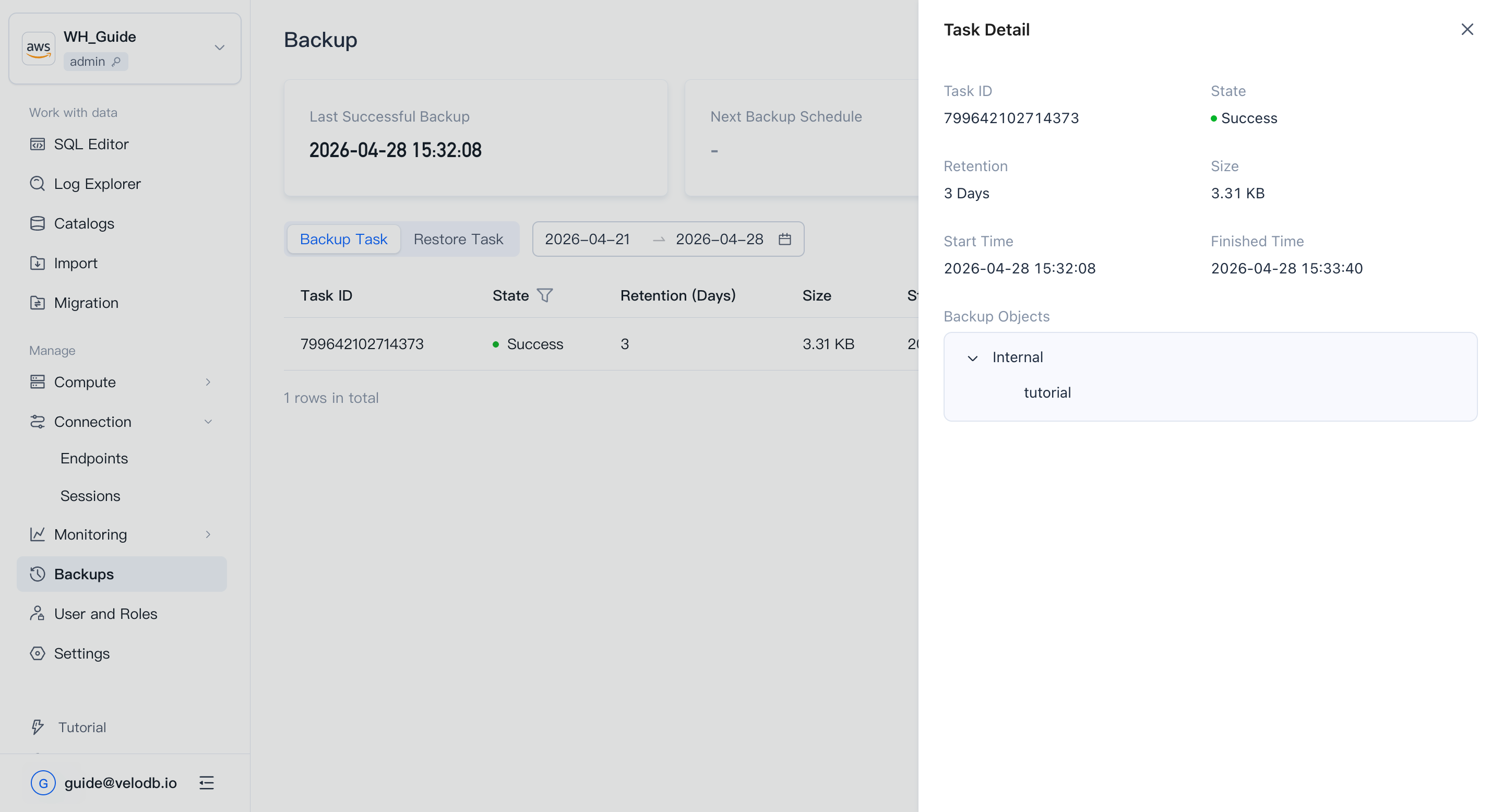
VeloDB Cloud runs backup tasks automatically according to your plan. The Backup Tasks list shows each run's status, retention days, data size, and start / completion times.
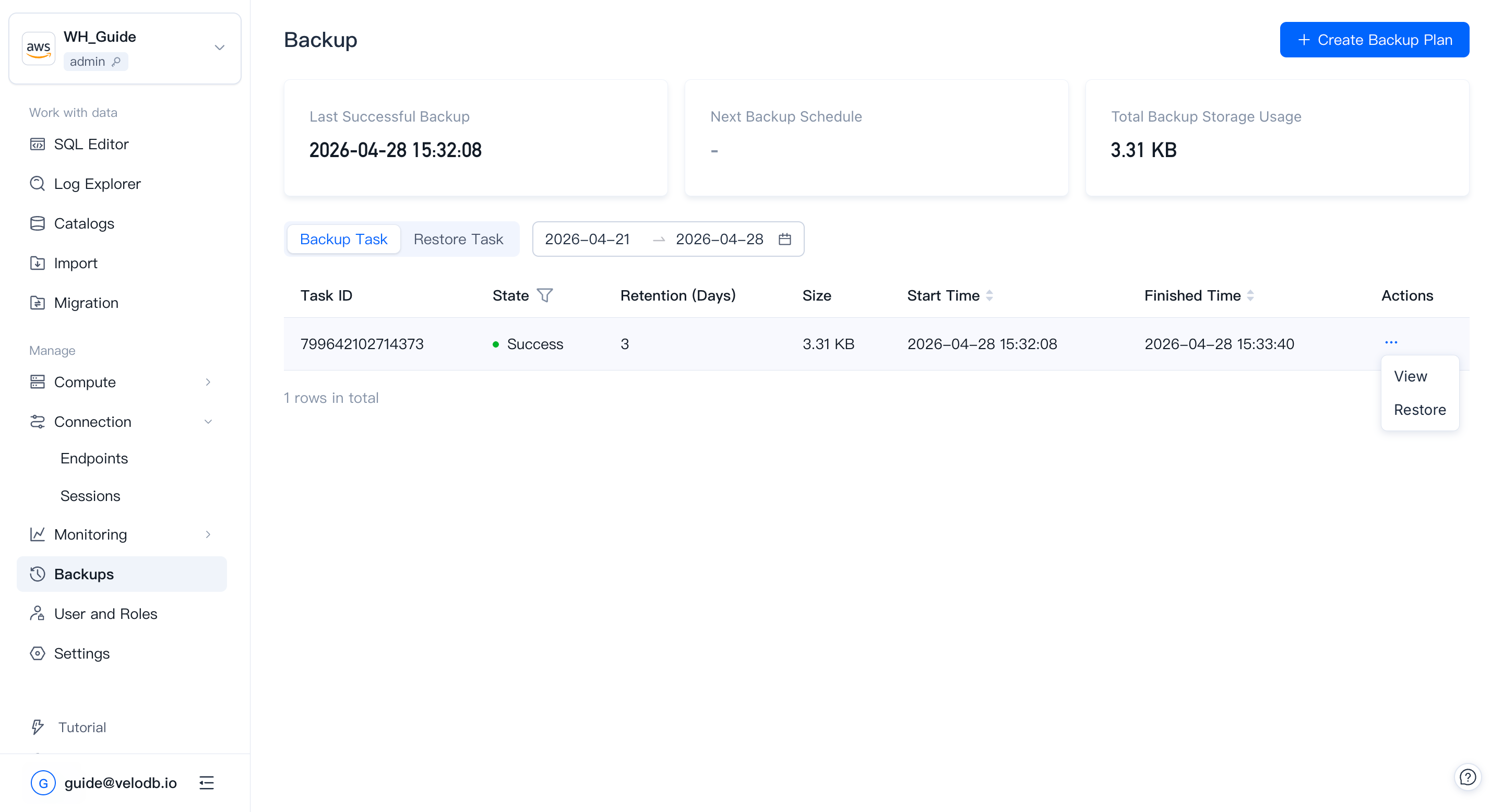
Click View Details in the action column to see per-task execution details.
Restore
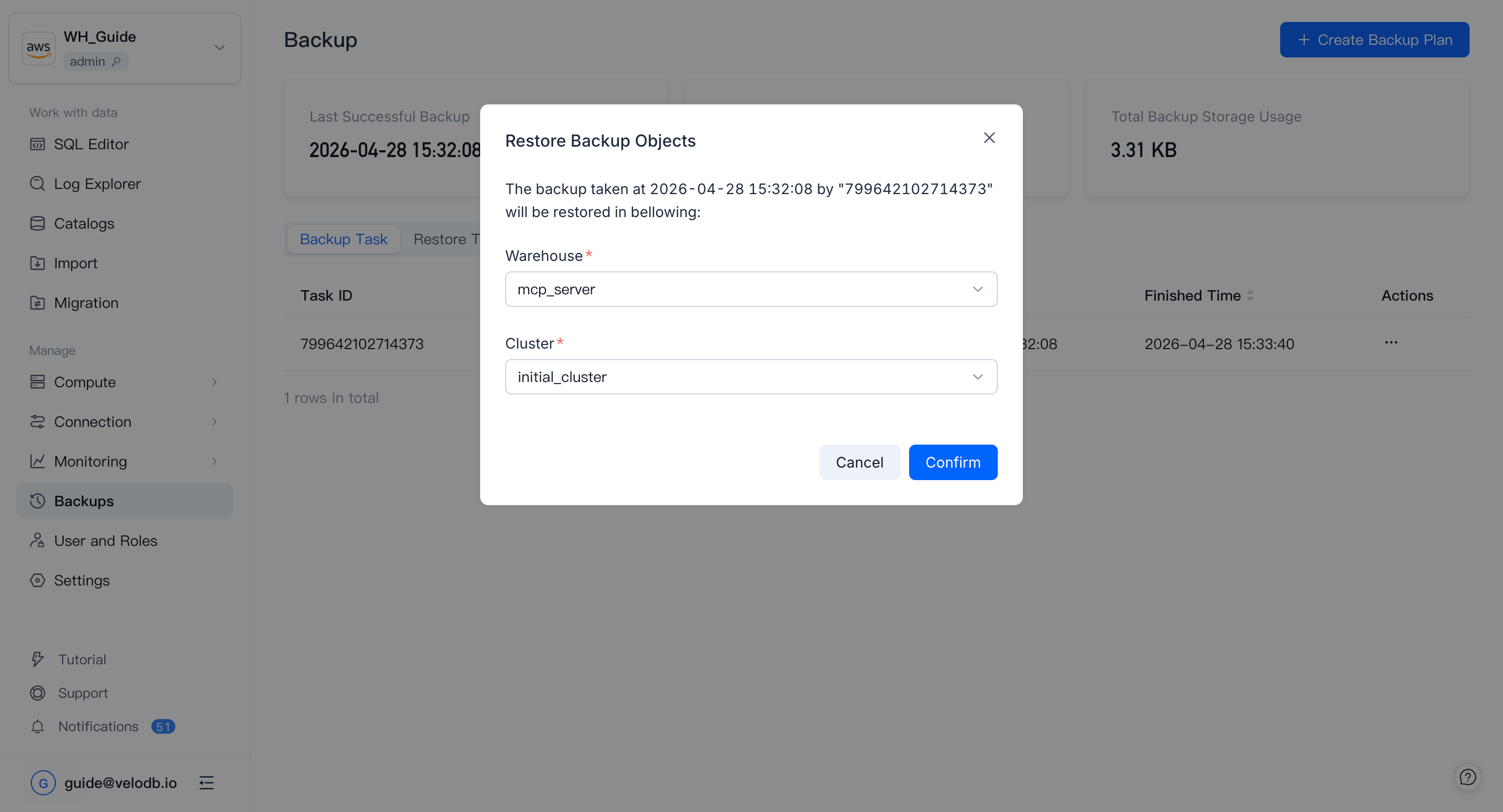
In the Backup Tasks list, click Restore in the action column of the backup set you want to restore. Pick the target warehouse and cluster, then start the restore.
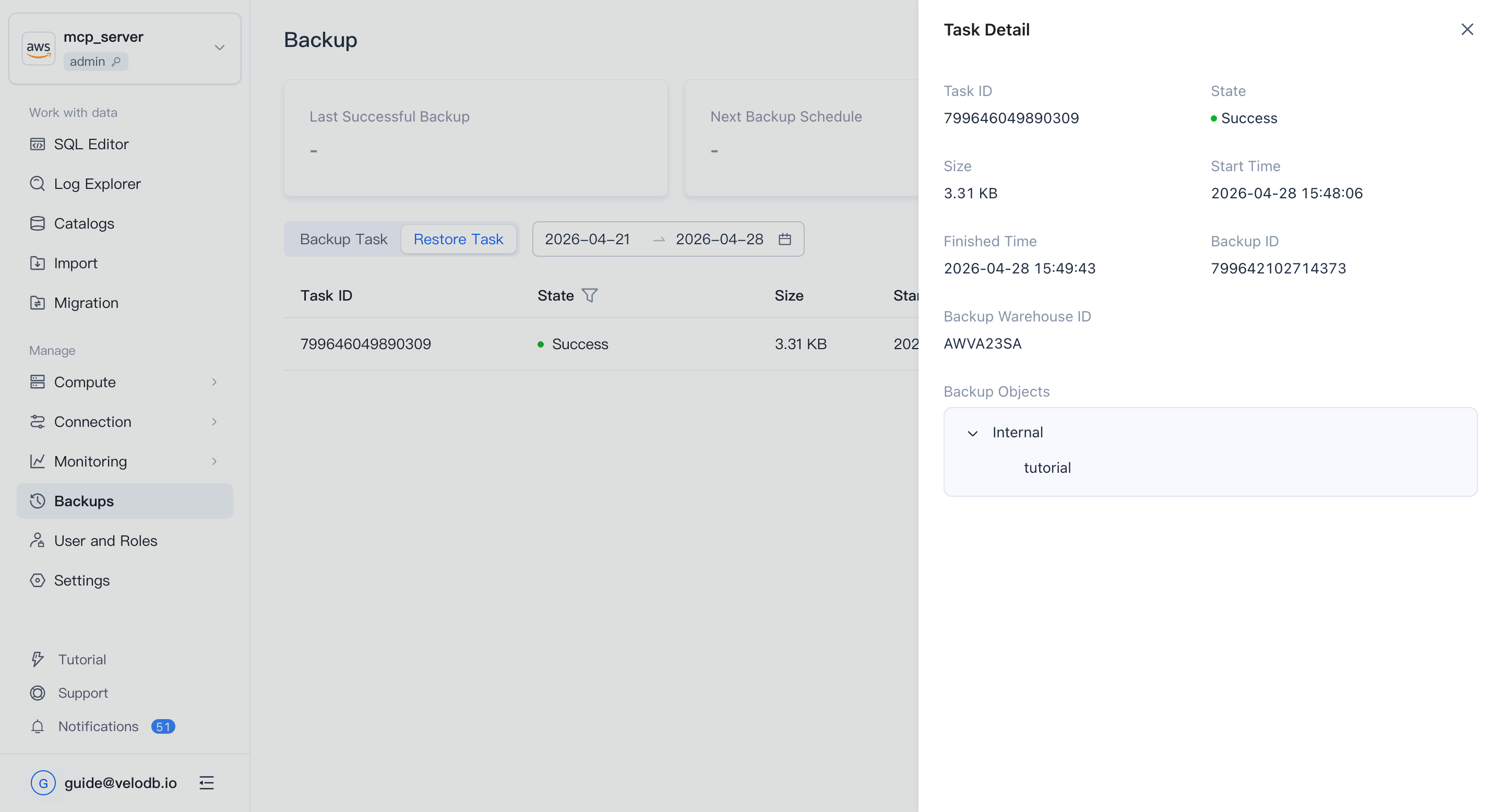
Restore tasks appear in the Restore Tasks list with task status, data size, and start / completion times.
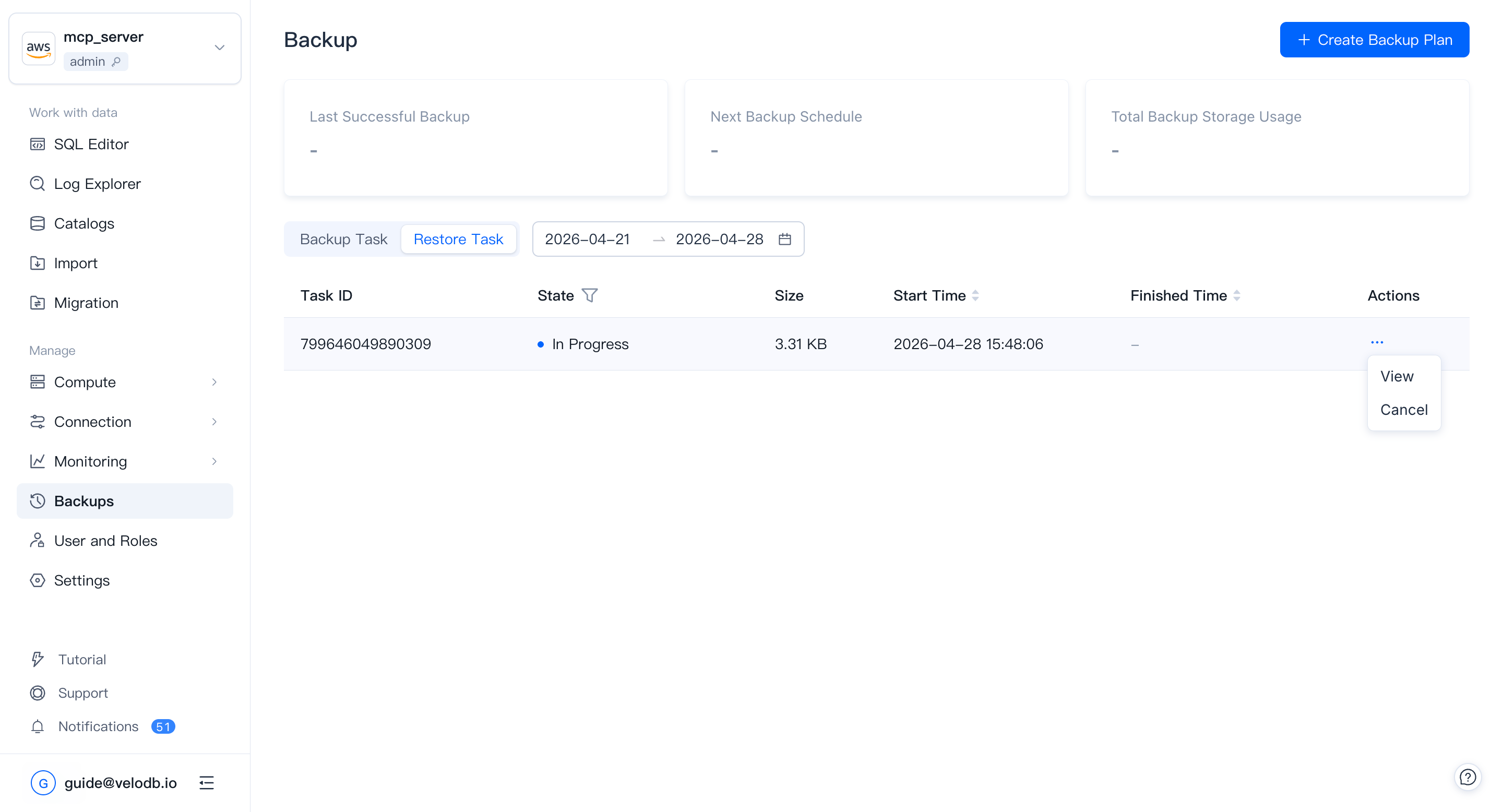
Click View Details in the action column to see per-task execution details.