Catalogs
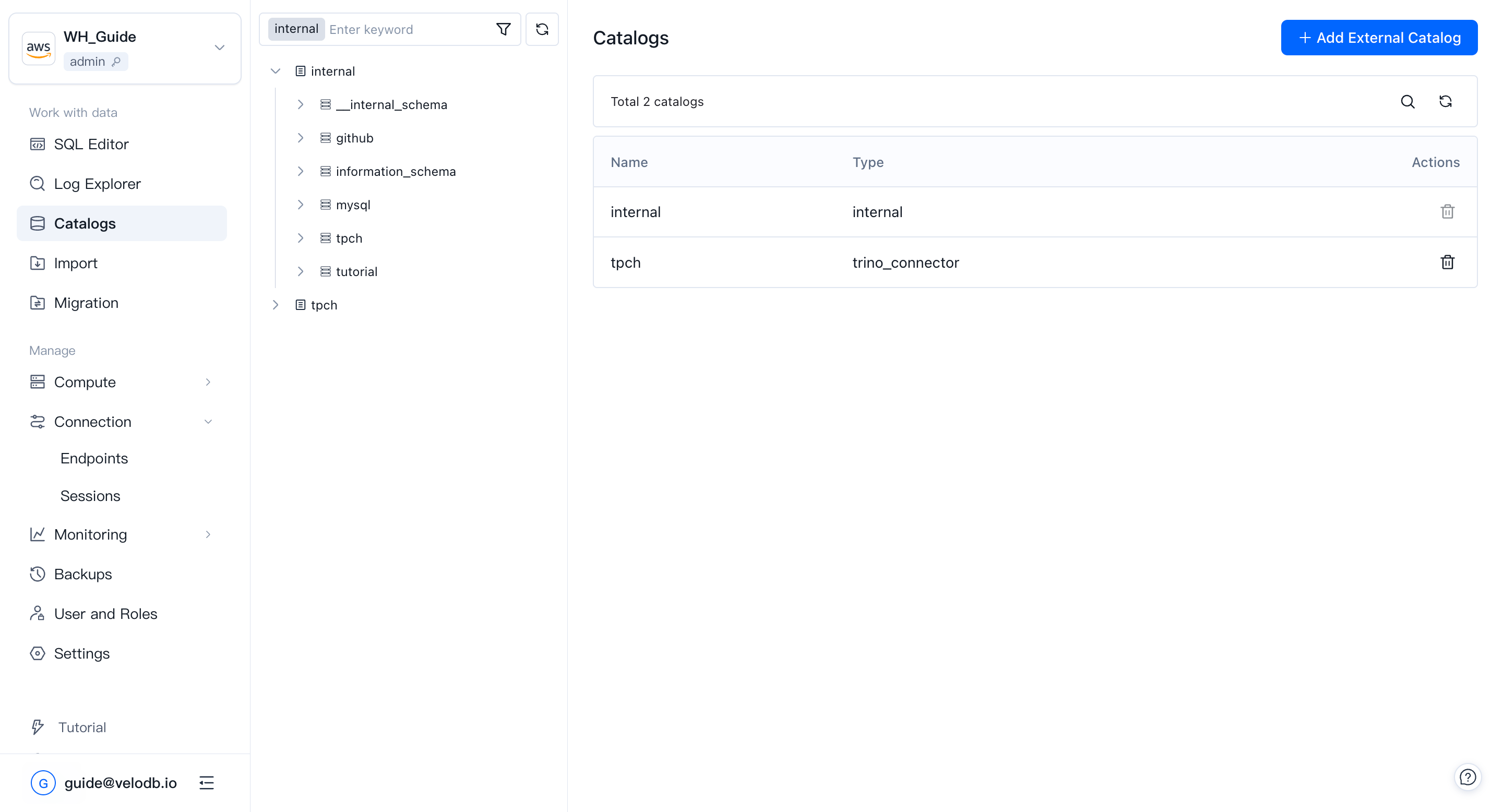
Catalogs is where you browse and manage data organized in your warehouse. Data is structured as Catalog → Database → Table / View, and you can create, delete, or rename objects at any level.
Open Catalogs from the Work with data group in the left navigation.
Catalog
A catalog is a collection of databases. VeloDB Cloud has two catalog types:
- Internal catalog — contains VeloDB's own databases.
- External catalog — connects to Hive, Iceberg, Hudi, and other lakehouse formats through VeloDB's data-lake support.
You can delete a catalog object directly from the Catalogs page.
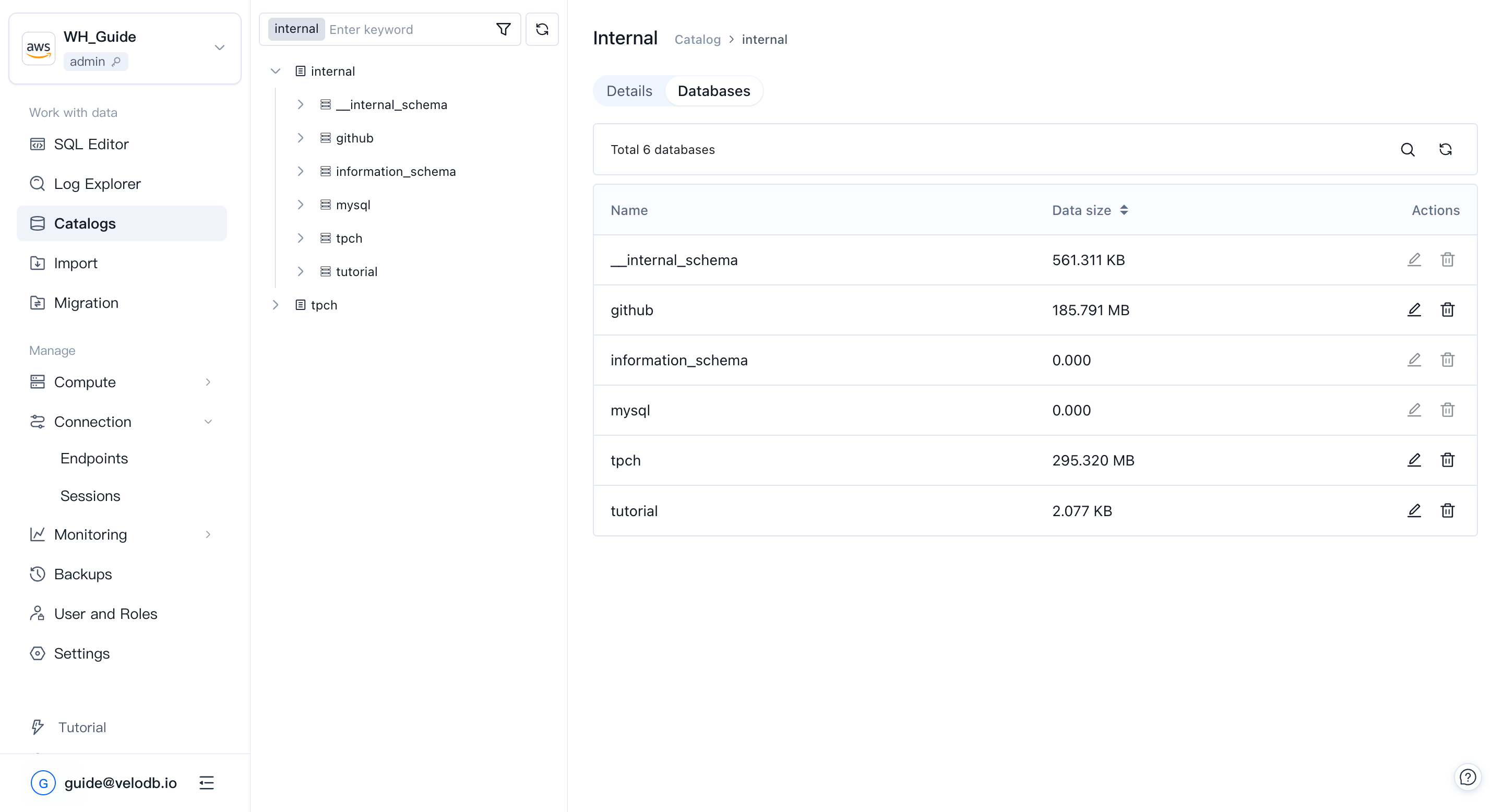
Database
A database is a collection of tables, views, materialized views, and functions. When you pick a catalog, Catalogs lists the databases under it along with each database's size. You can create, delete, and rename databases from this page.
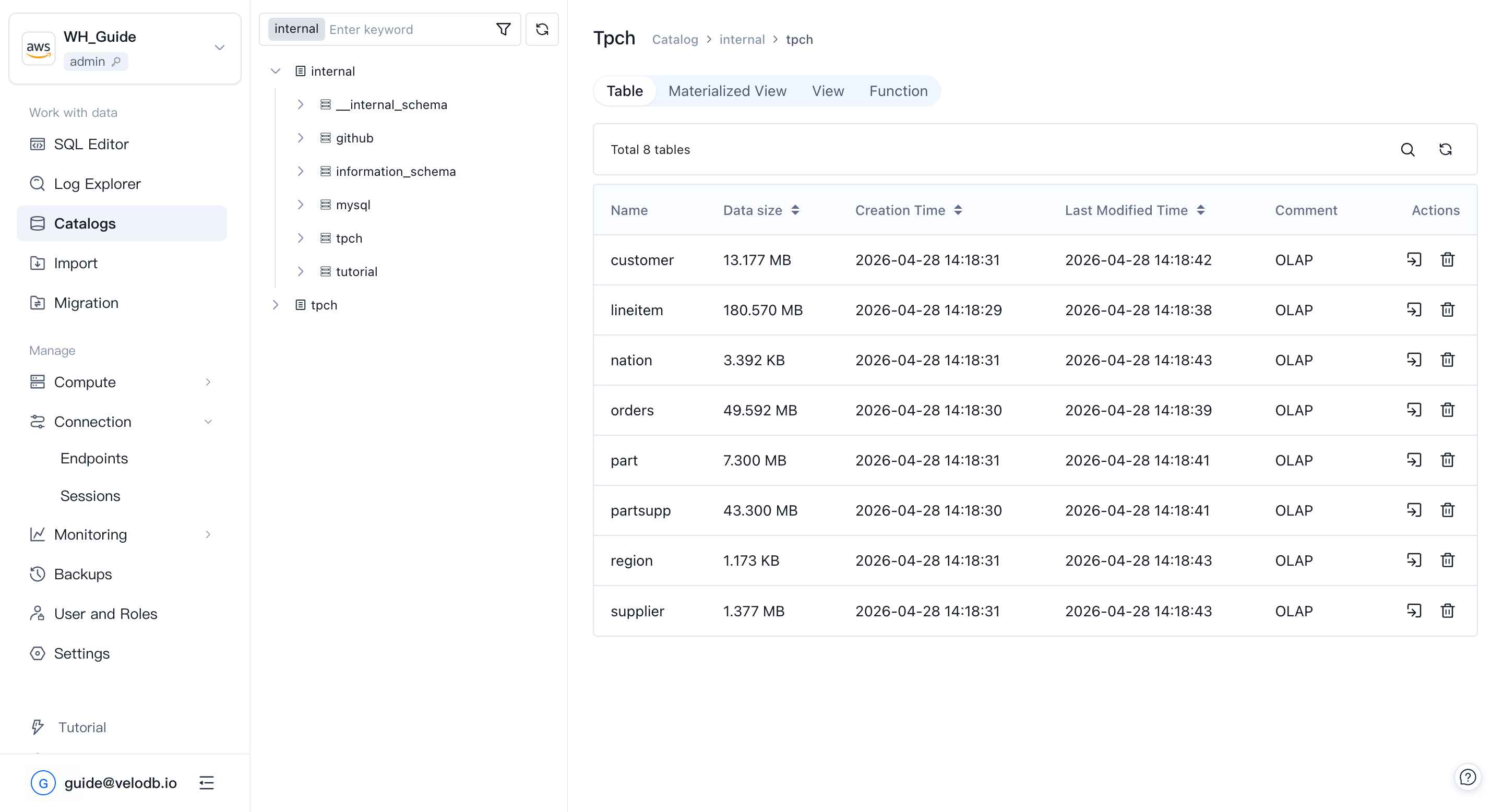
Table
A table is the basic unit of data in VeloDB. When you pick a database, you see its tables, their sizes, and their creation / modification times.
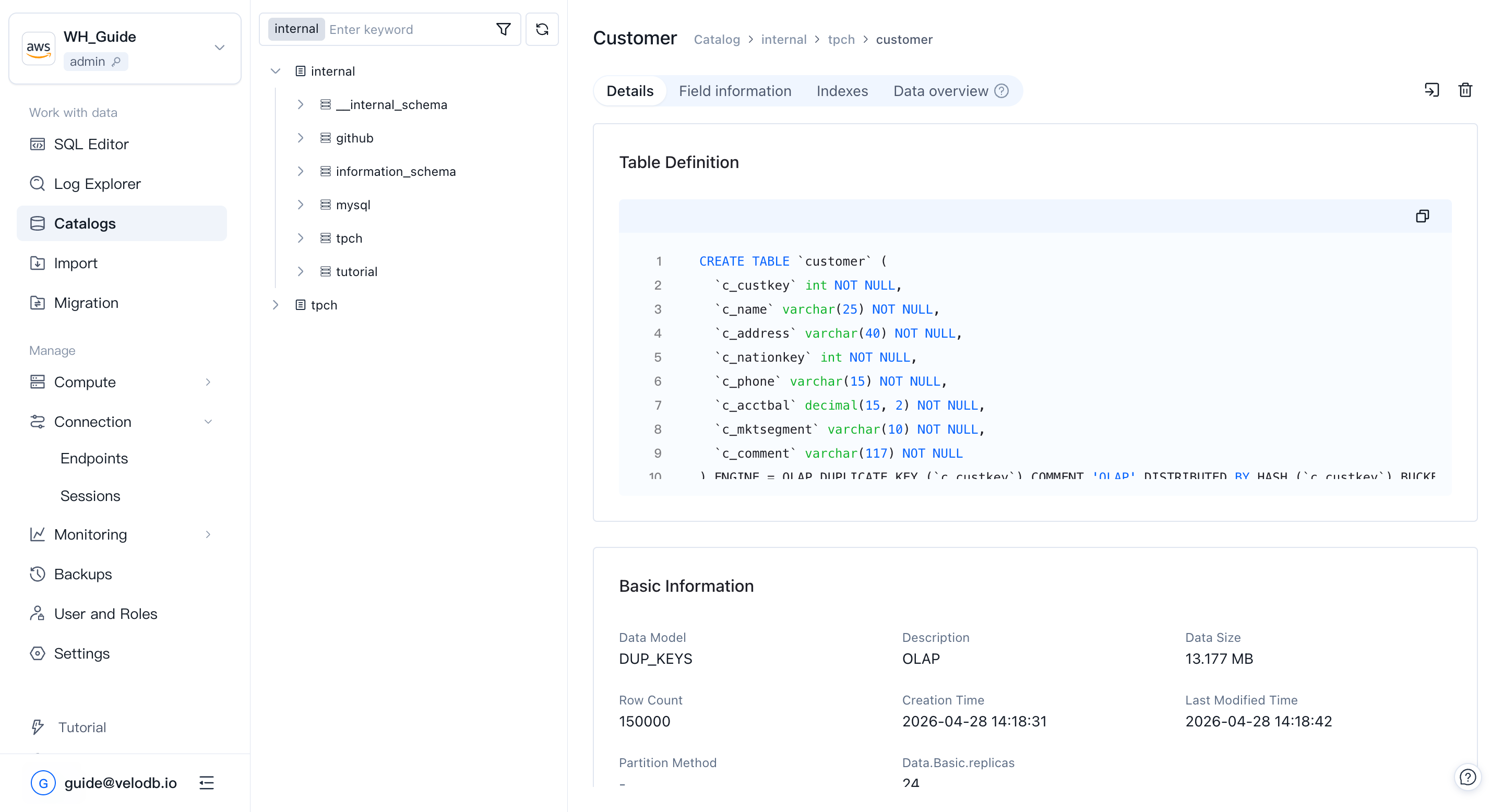
Click a table to open its detail page and view the DDL, fields, indexes, and other metadata.
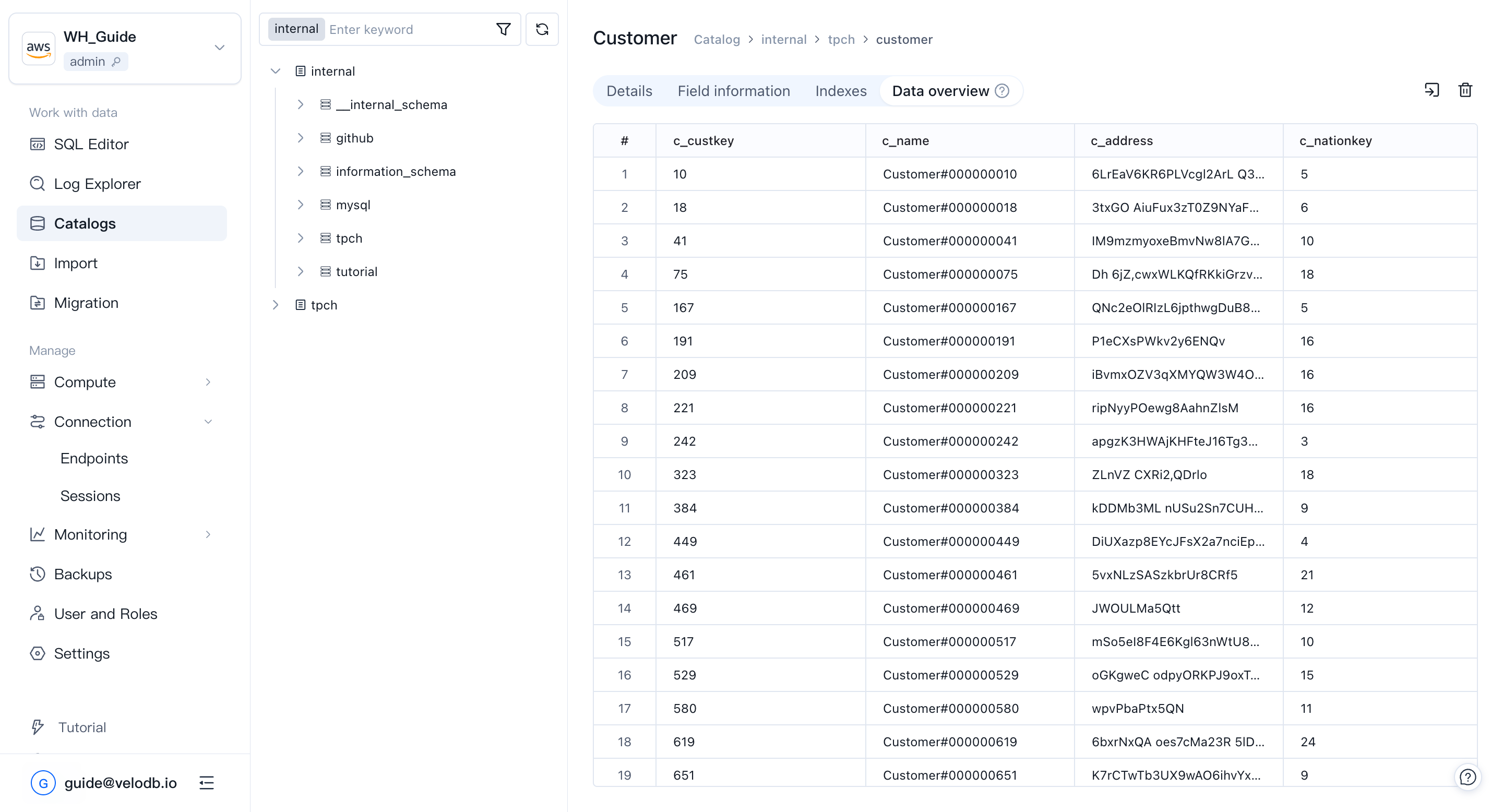
The Data Preview page shows the first 100 rows of a table so you can spot-check the content. The "Total x rows" value comes from the metadata service, so it may lag behind real-time writes.
View
A view is a virtual table backed by a SQL result set. The view page mirrors the table page; attributes that don't apply to views — for example, indexes — are omitted. Views also support Data Preview (first 100 rows).
Materialized view
A materialized view pre-computes and stores query results to accelerate queries and reduce real-time compute load. Catalogs lists materialized views for each database.
Function
Catalogs lists the functions defined in each database, including function type, return type, and creation statement.