Migration
VeloDB Cloud provides an efficient, secure, one-stop data migration function. Use it to move full data from Apache Doris or VeloDB into a VeloDB Cloud warehouse.
Open Migration from the Work with data group in the left navigation, then click Create Migration Task to start.
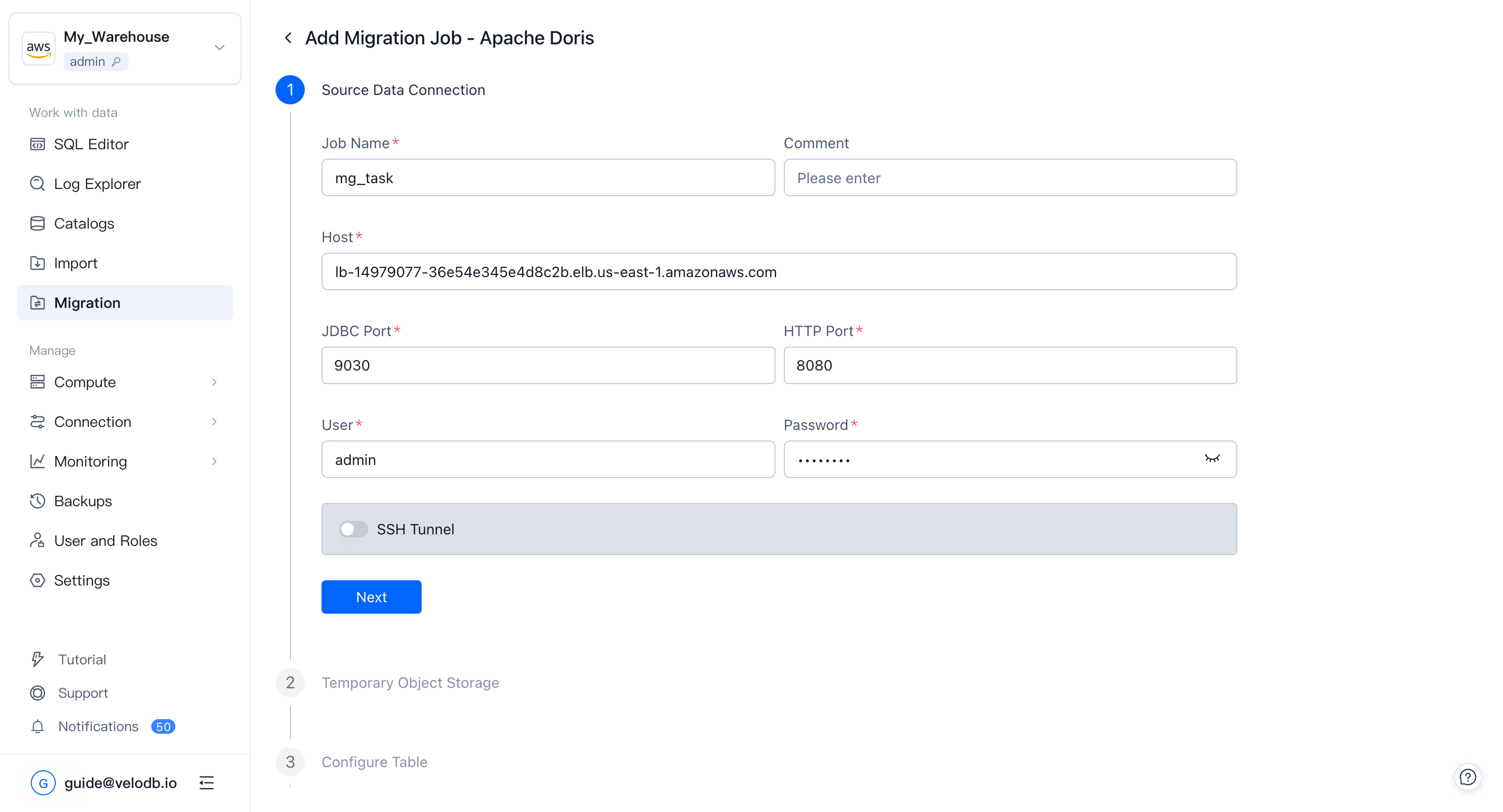
1. Connect to the source cluster
Fill in the task name and description, then enter the source cluster's connection details: JDBC port, HTTP port, username, and password. Click Next to verify connectivity.
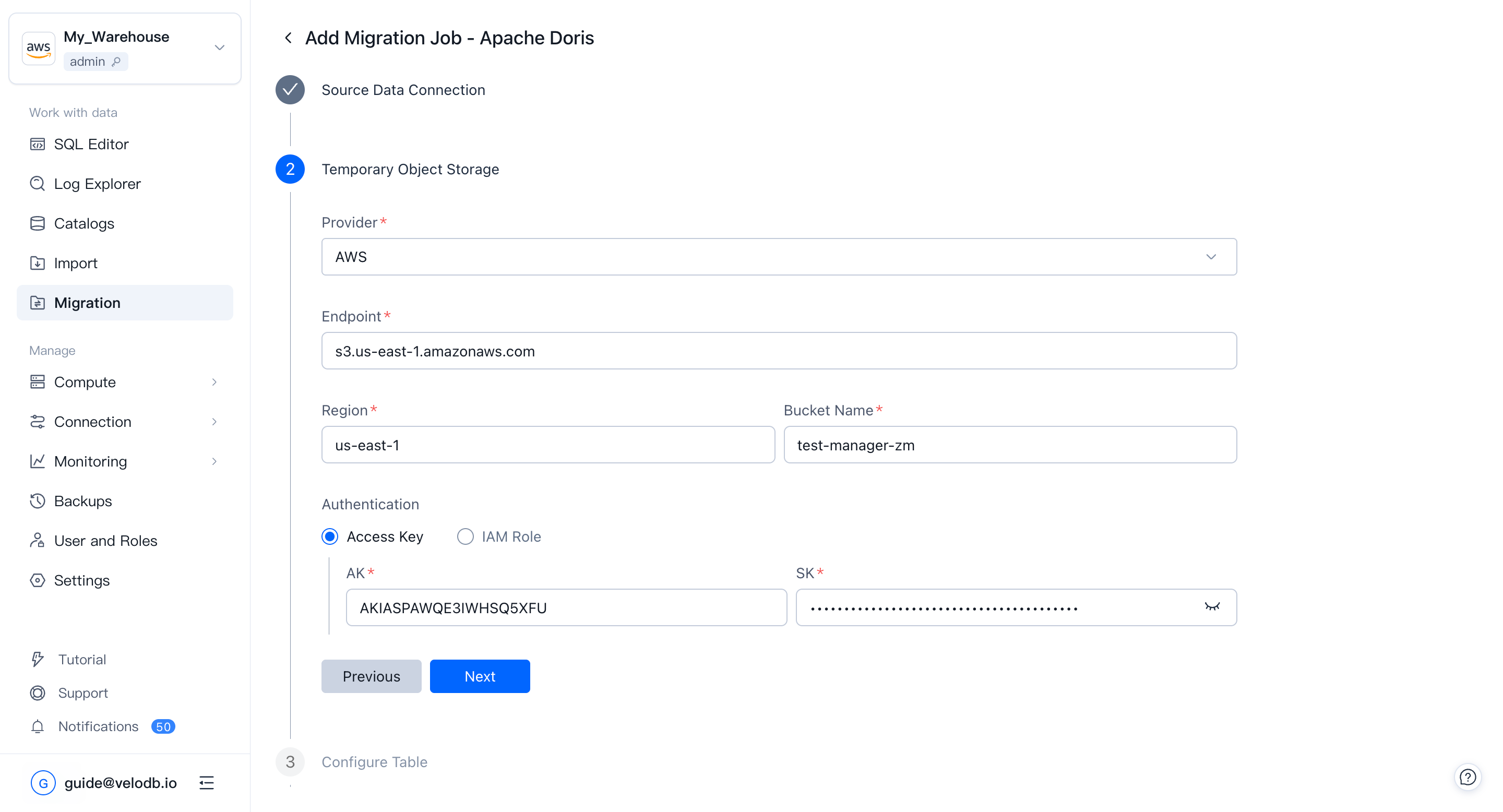
2. Configure temporary object storage
Pick an object-storage provider and fill in the bucket address and authorization information. VeloDB Cloud uses this bucket as a temporary staging area during migration and cleans it up automatically after the task finishes.
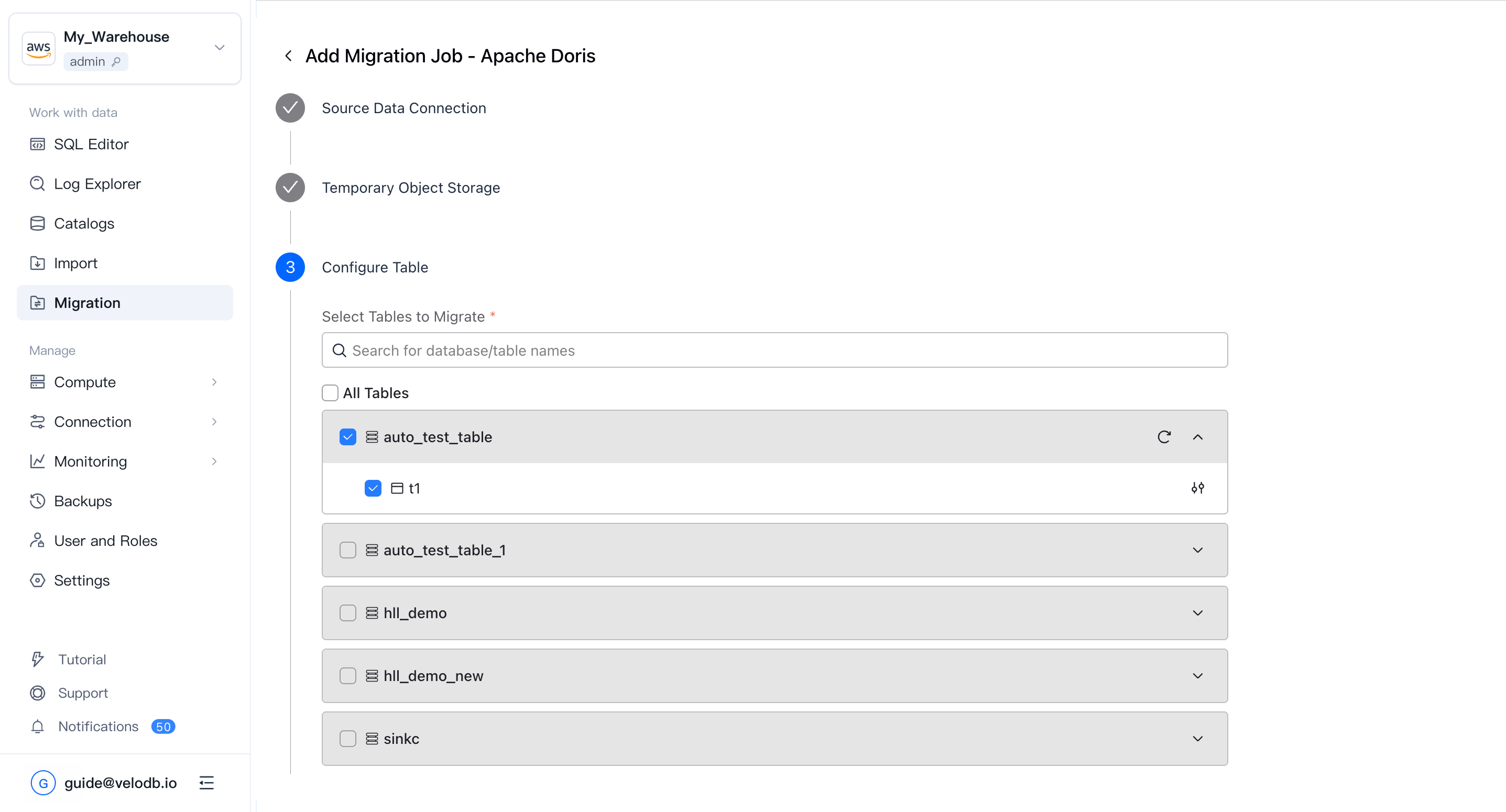
3. Select databases and tables
Pick the databases and tables to migrate. You can select them in batches or use custom filters. You can also add row-level data filters for each table.
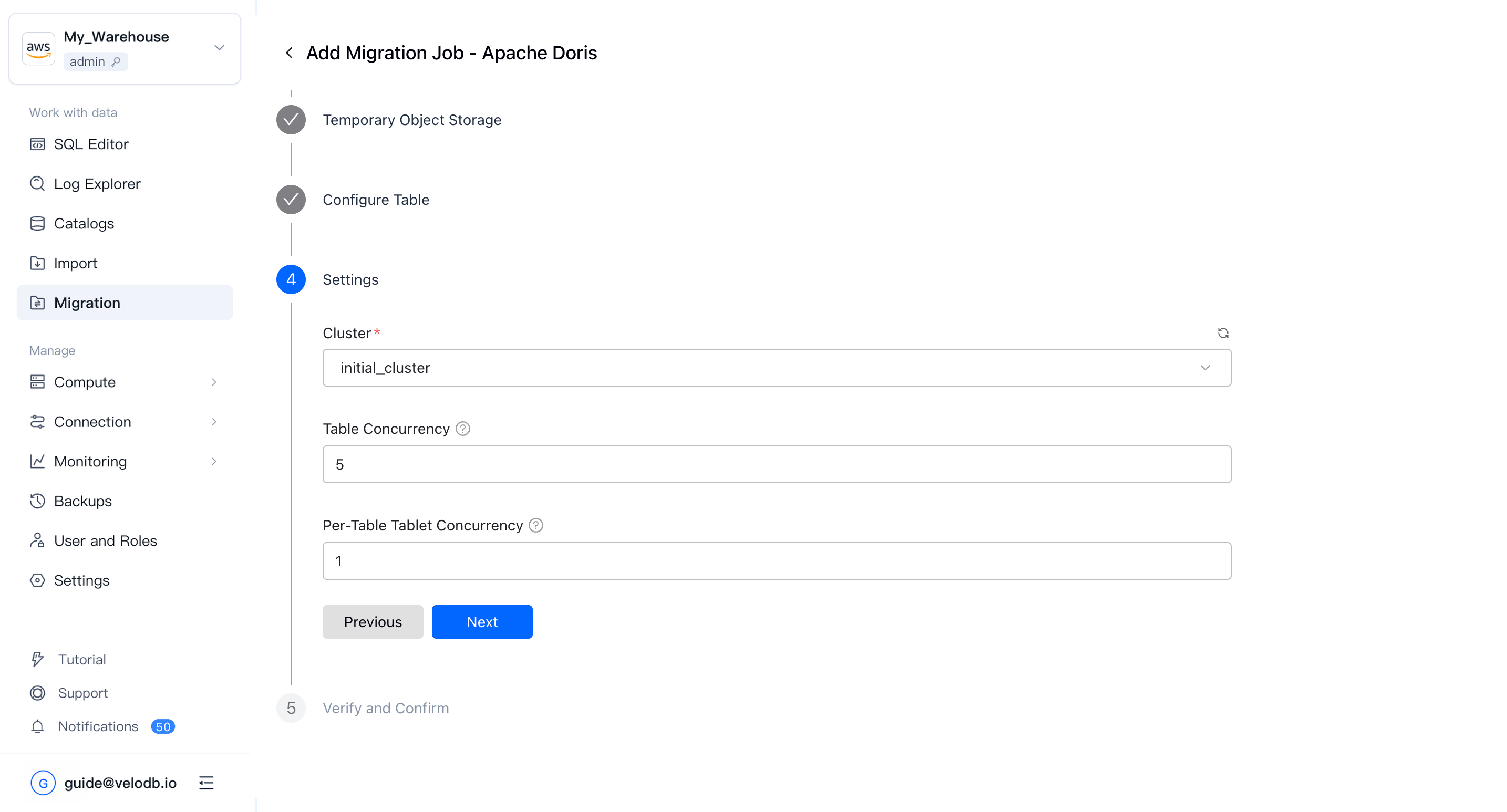
4. Set migration resources
Choose the cluster that will perform the migration, and set the concurrency:
- Table concurrency: how many tables migrate in parallel.
- Tablet concurrency per table: how many tablets of a single table migrate in parallel.
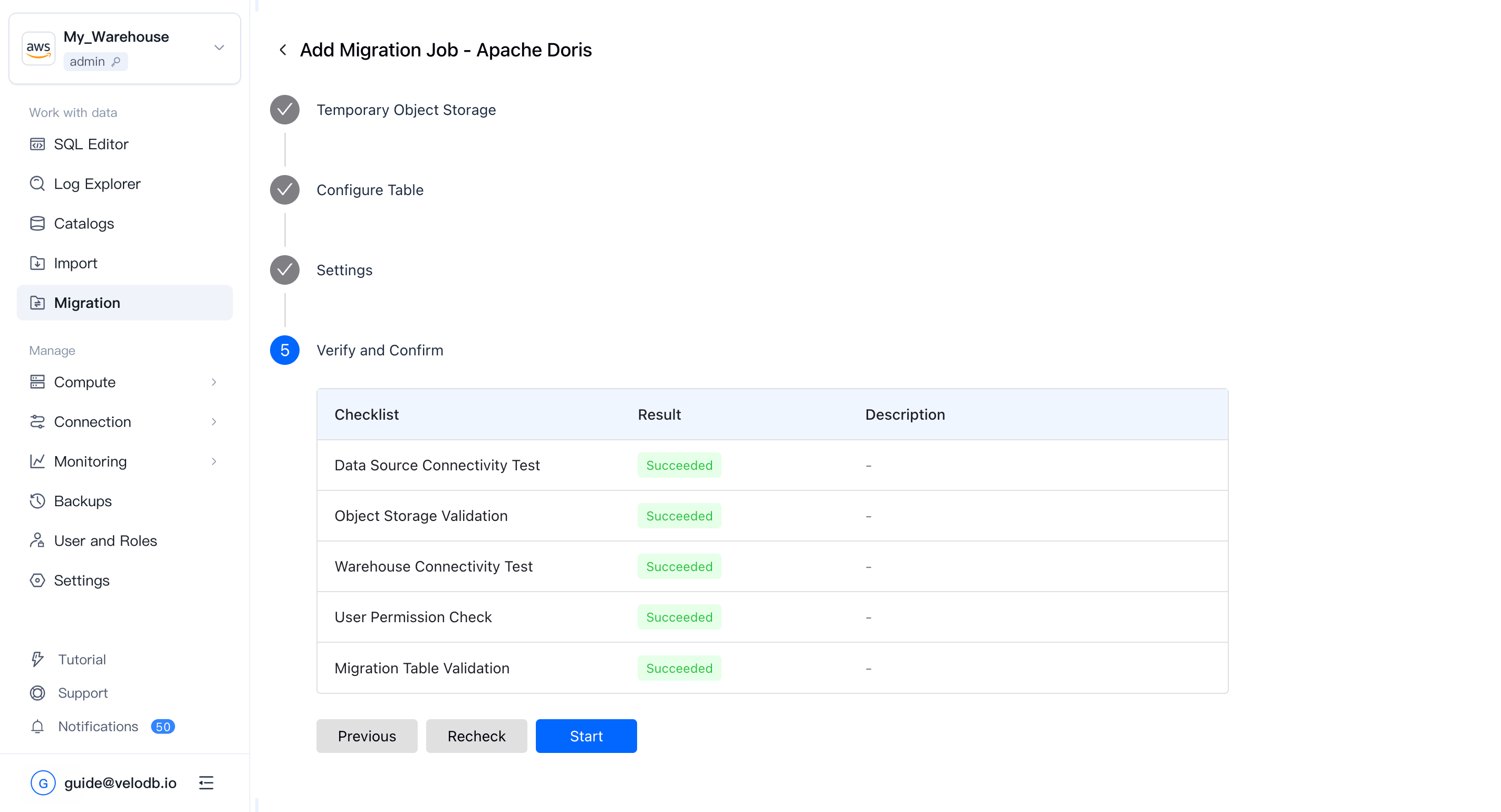
5. Run the pre-check and start
A pre-check runs automatically. When it passes, start the migration task.
Monitor migration tasks
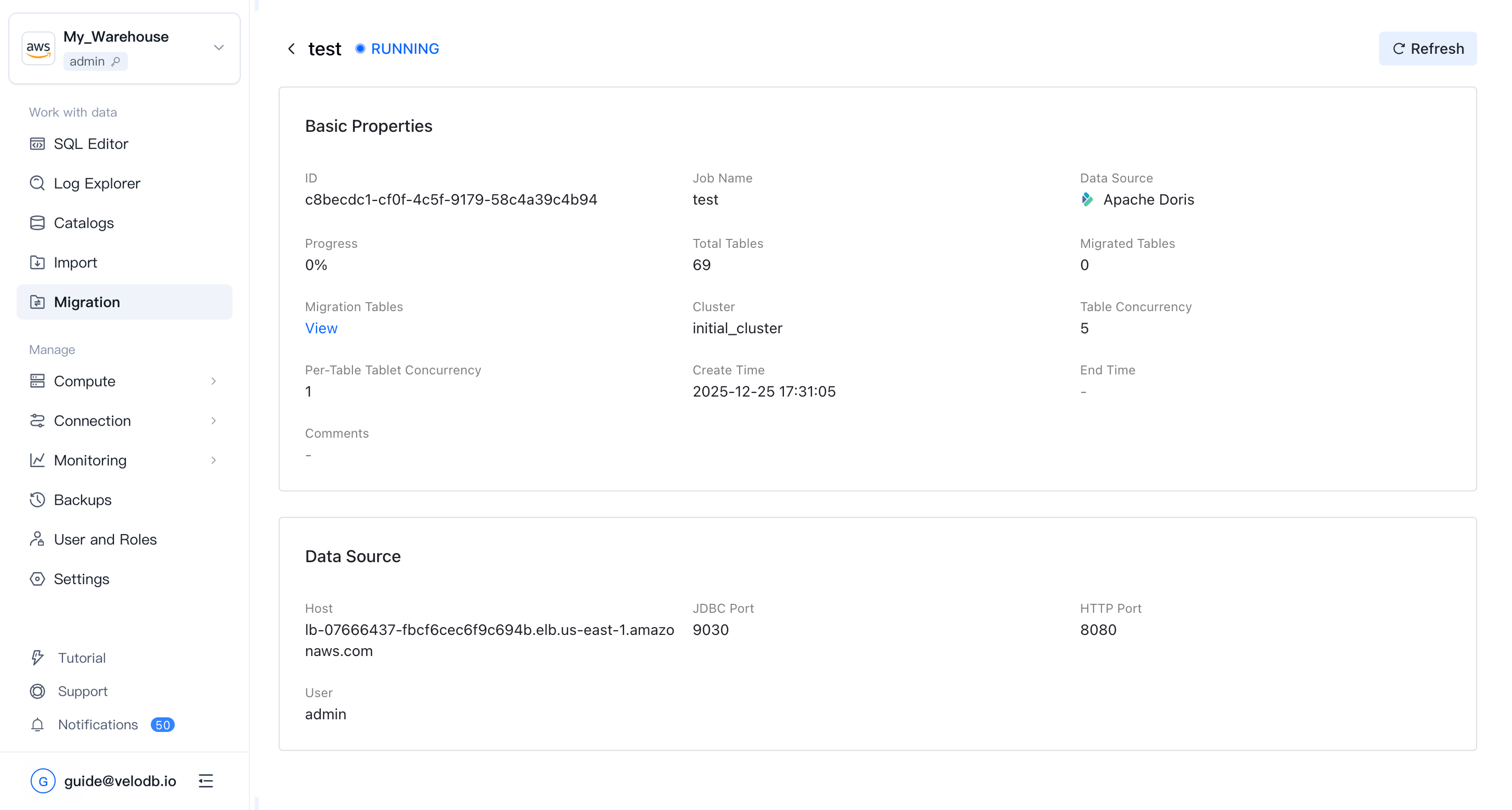
The migration list shows each task's name, data source, status, and creation time.
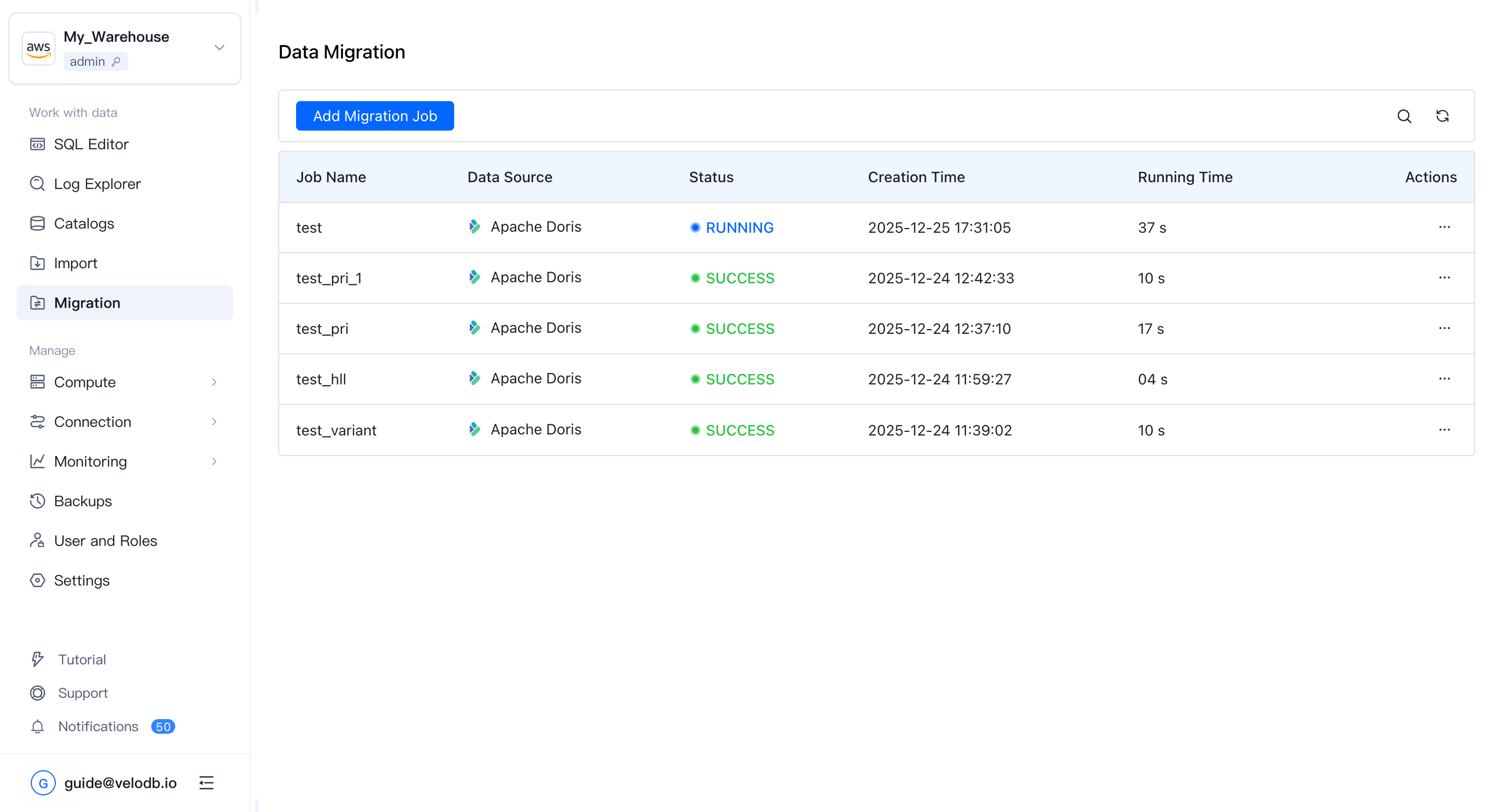
Click a task to see detailed progress, per-table status, and any errors.