Migration
VeloDB Cloud provides efficient and secure one-stop data migration function, supporting the smooth migration of full data from Apache Doris, VeloDB, and Starrocks data sources to VeloDB data warehouse.
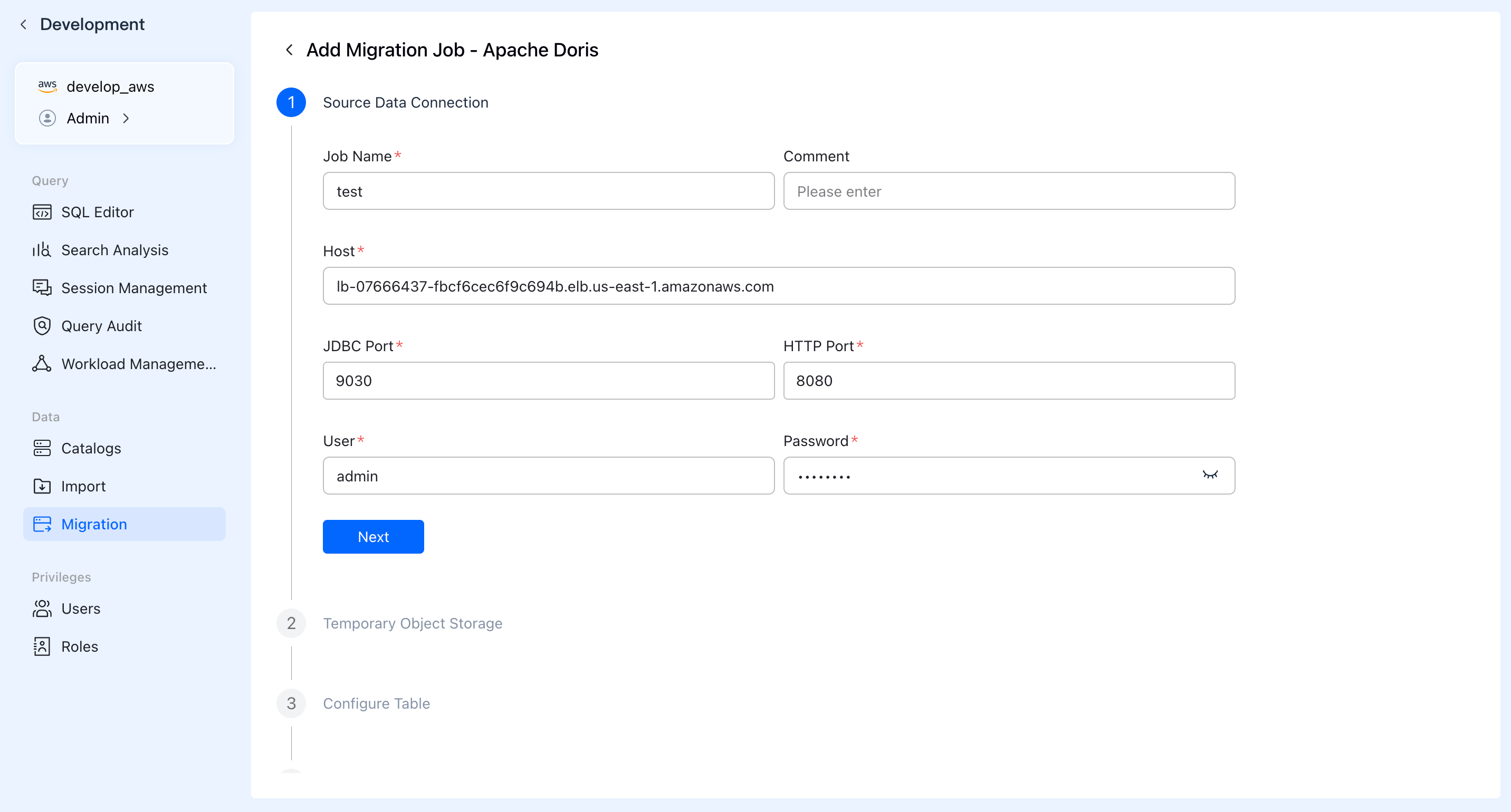
Enter the "Data Migration" module, click "Create Migration Task", fill in the task name, description, source cluster connection information, JDBC port, HTTP port, username, password, and click "Next" to verify connectivity.
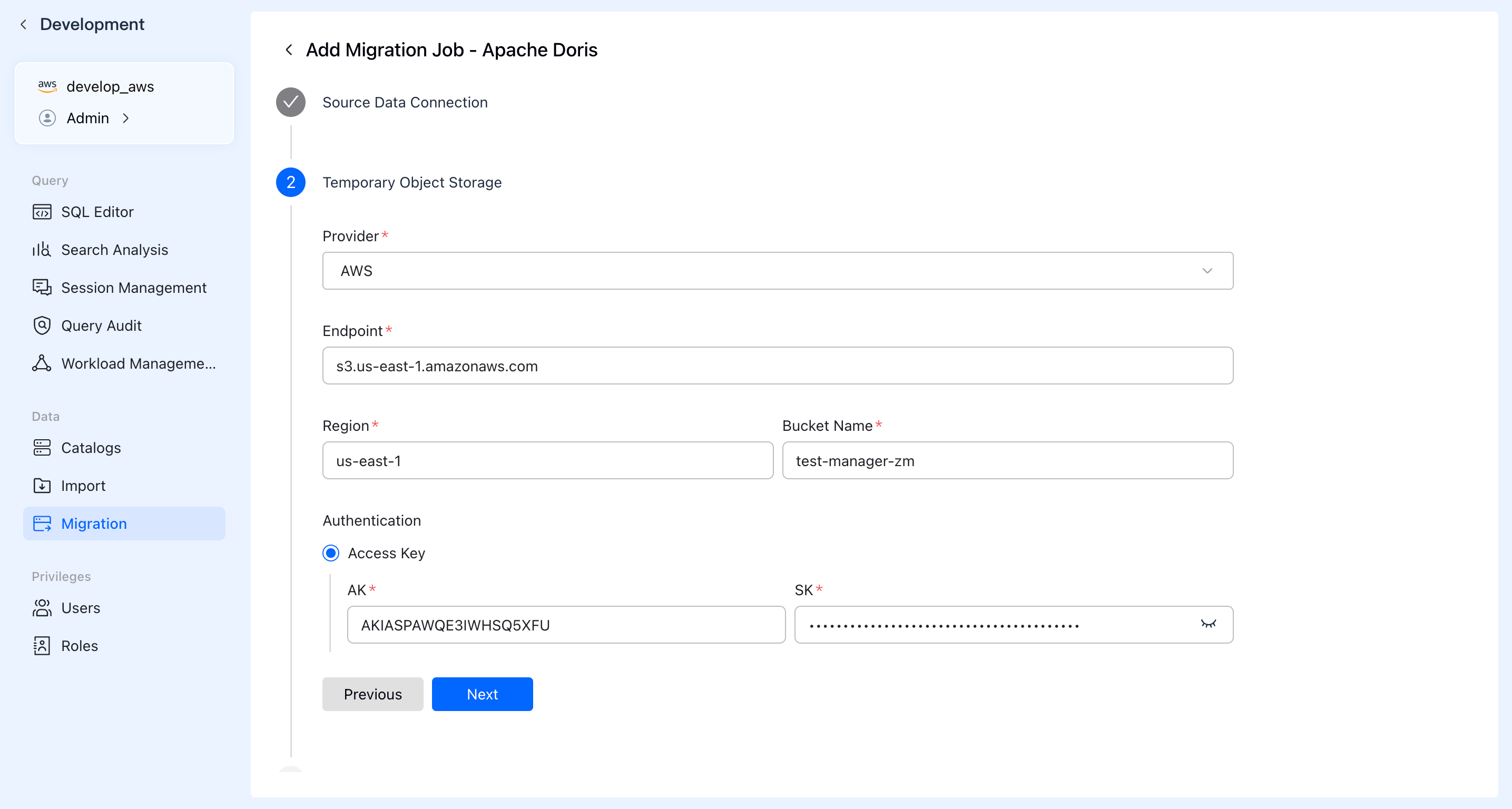
Configure temporary object storage. After selecting the provider of object storage, fill in the corresponding object storage address and authorization information. The object storage is used for temporary storage migration of data, and will be automatically cleaned up after the migration is completed.
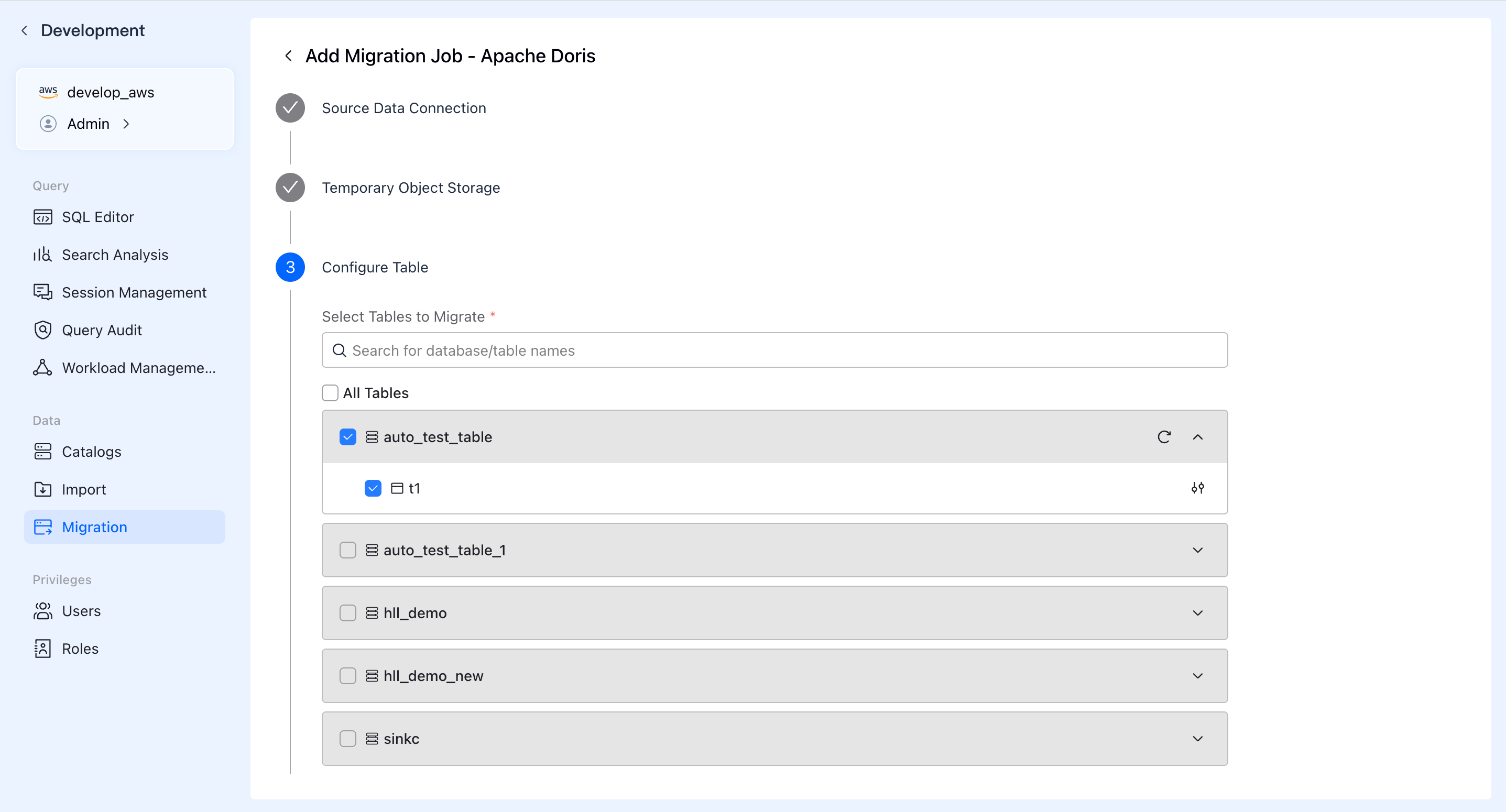
Check the database & table to be migrated (support batch selection or custom filtering), support data filtering for set conditions.
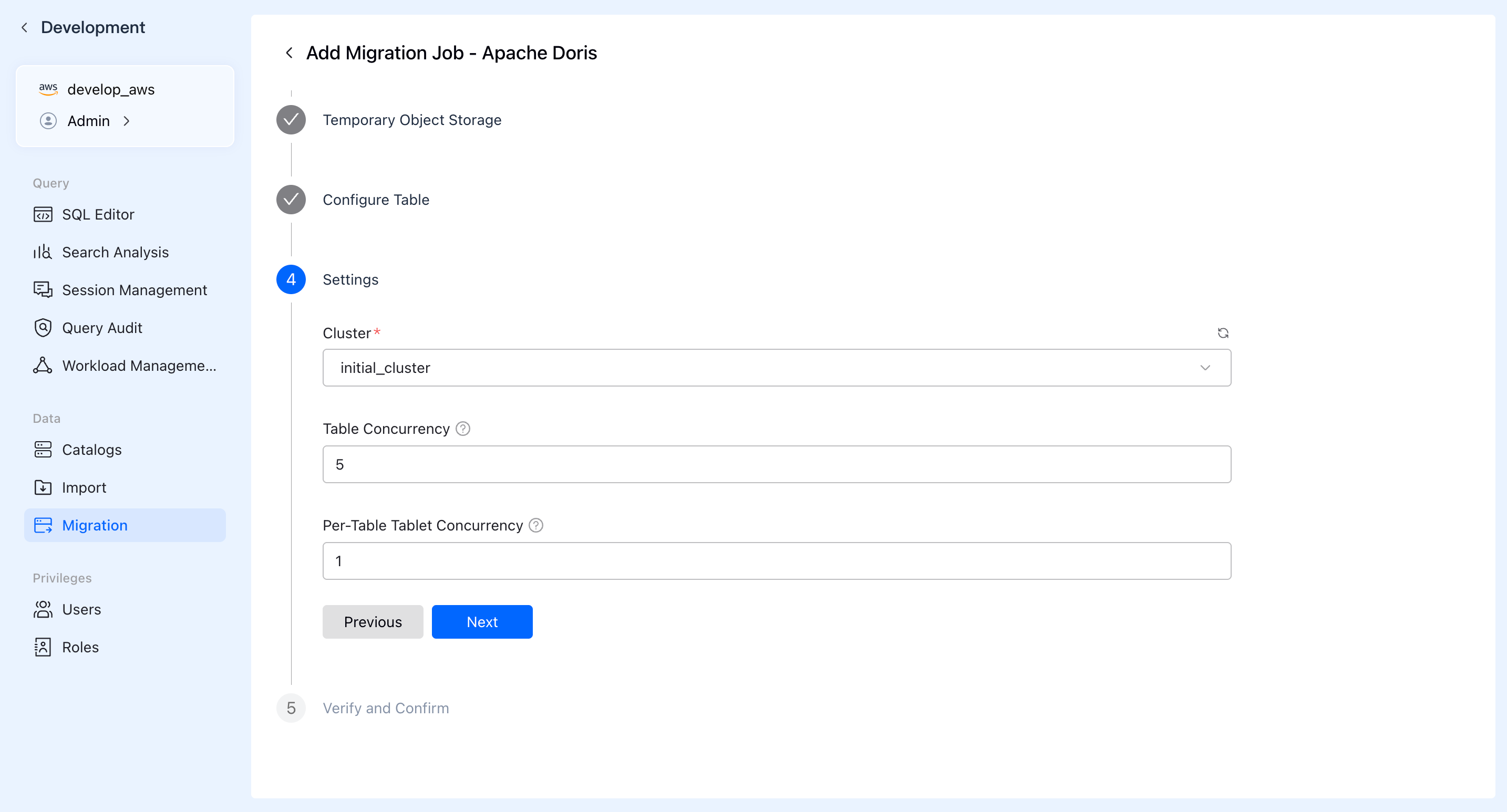
In the settings section, select the cluster of computing resources used for migration, set the number of migration concurrency for tables and the number of Tablet migration concurrency for each table.
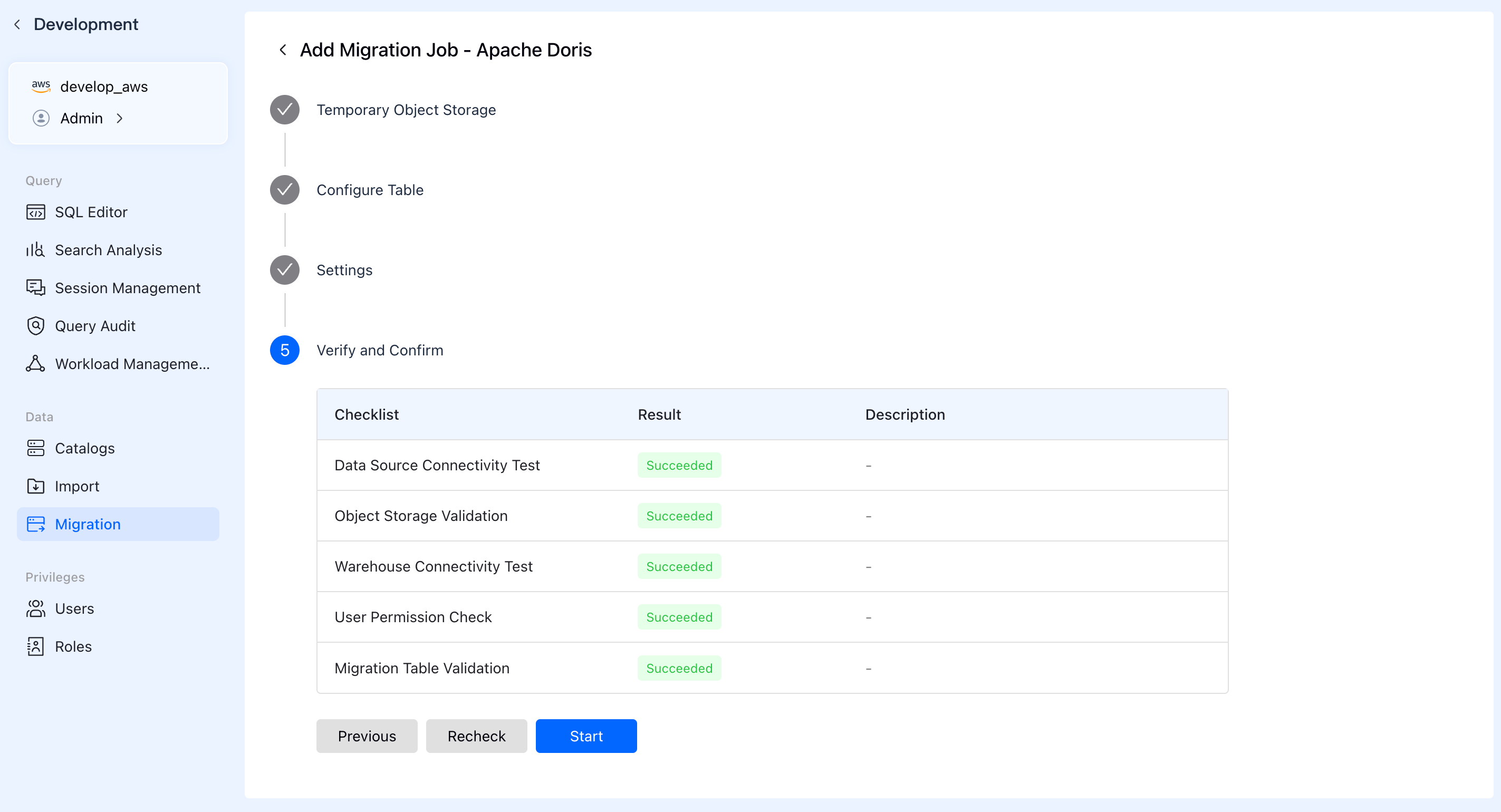
After the pre-check is passed, the migration task can be started.
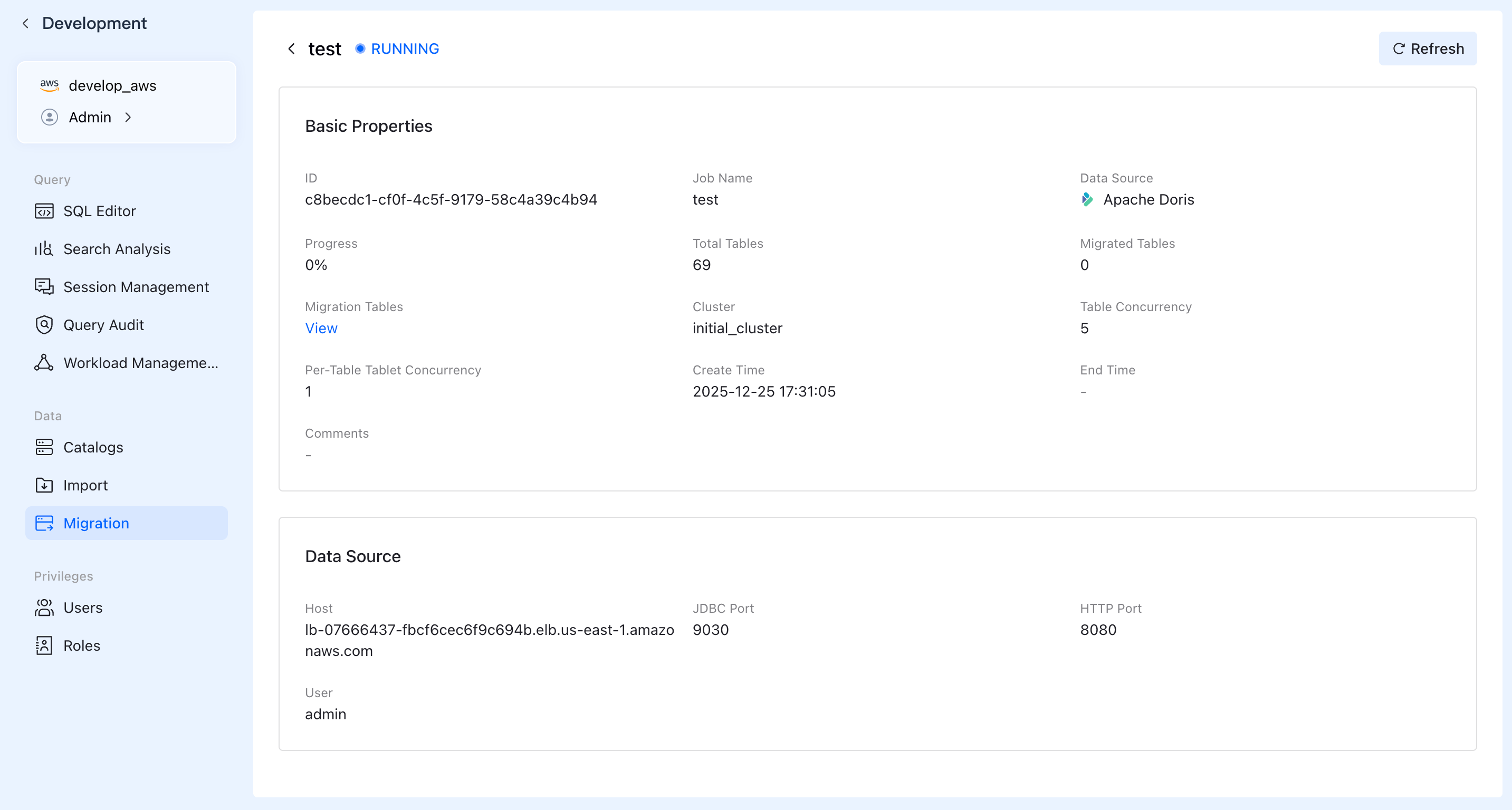
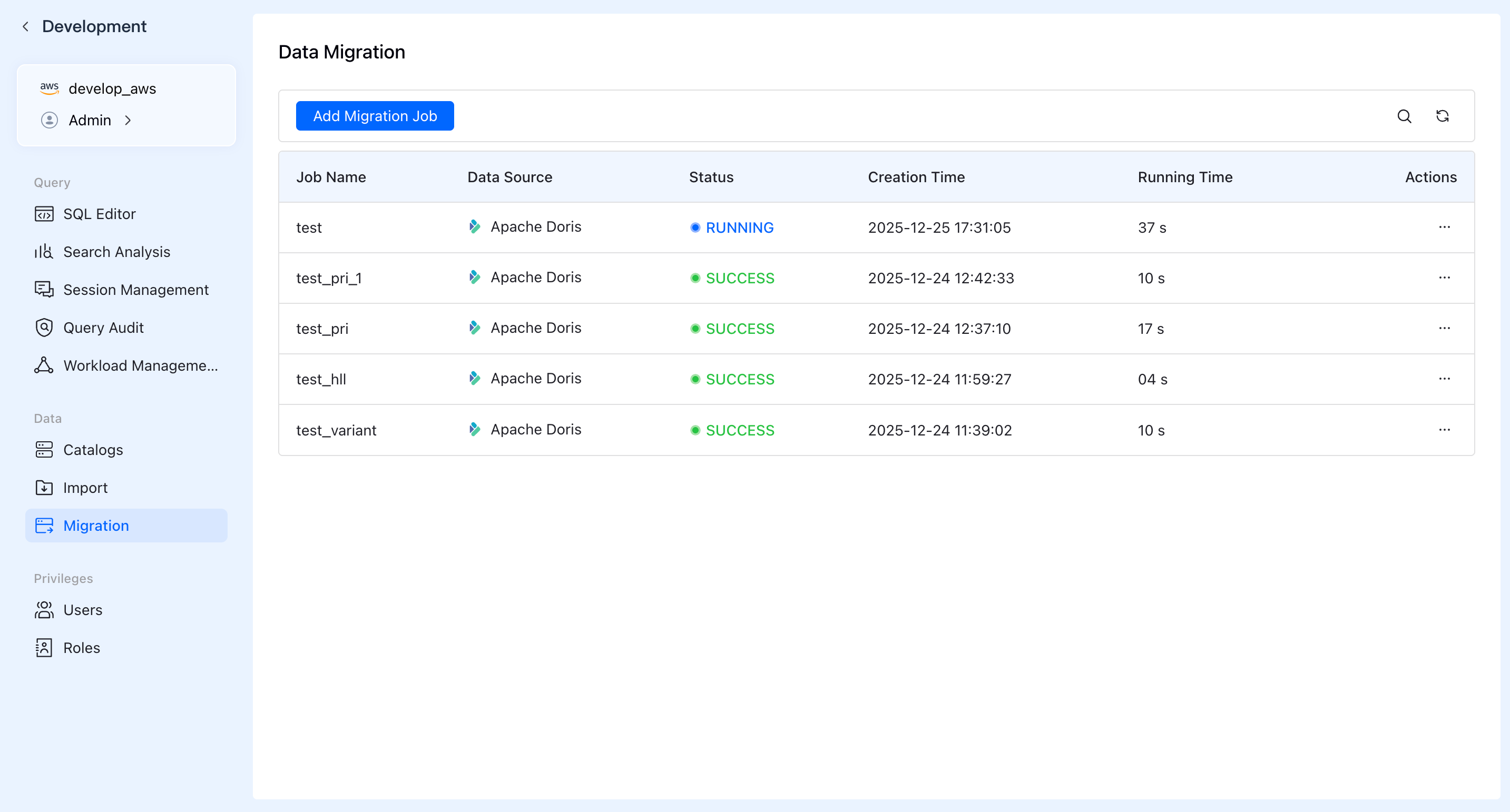
You can view basic information about migration tasks in the data migration list, including migration task name, data source, migration status, creation time, and other information.
Click on a specific task to view detailed information about that task.