User and Roles
User and Roles is where you manage the database-level users, roles, and permissions of a warehouse. These accounts are used by applications, BI tools, and SQL clients that connect to the warehouse — they are distinct from the console accounts you use to sign in to VeloDB Cloud.
Open User and Roles from the Manage group in the left navigation.
Note For organization members and their console roles (Organization Admin, Warehouse Admin, Warehouse Viewer), see Account and Organization.
Users
The Users page lists the database users in the warehouse. The built-in root user is hidden from this page.
Only users with the Admin privilege can add or modify other users.
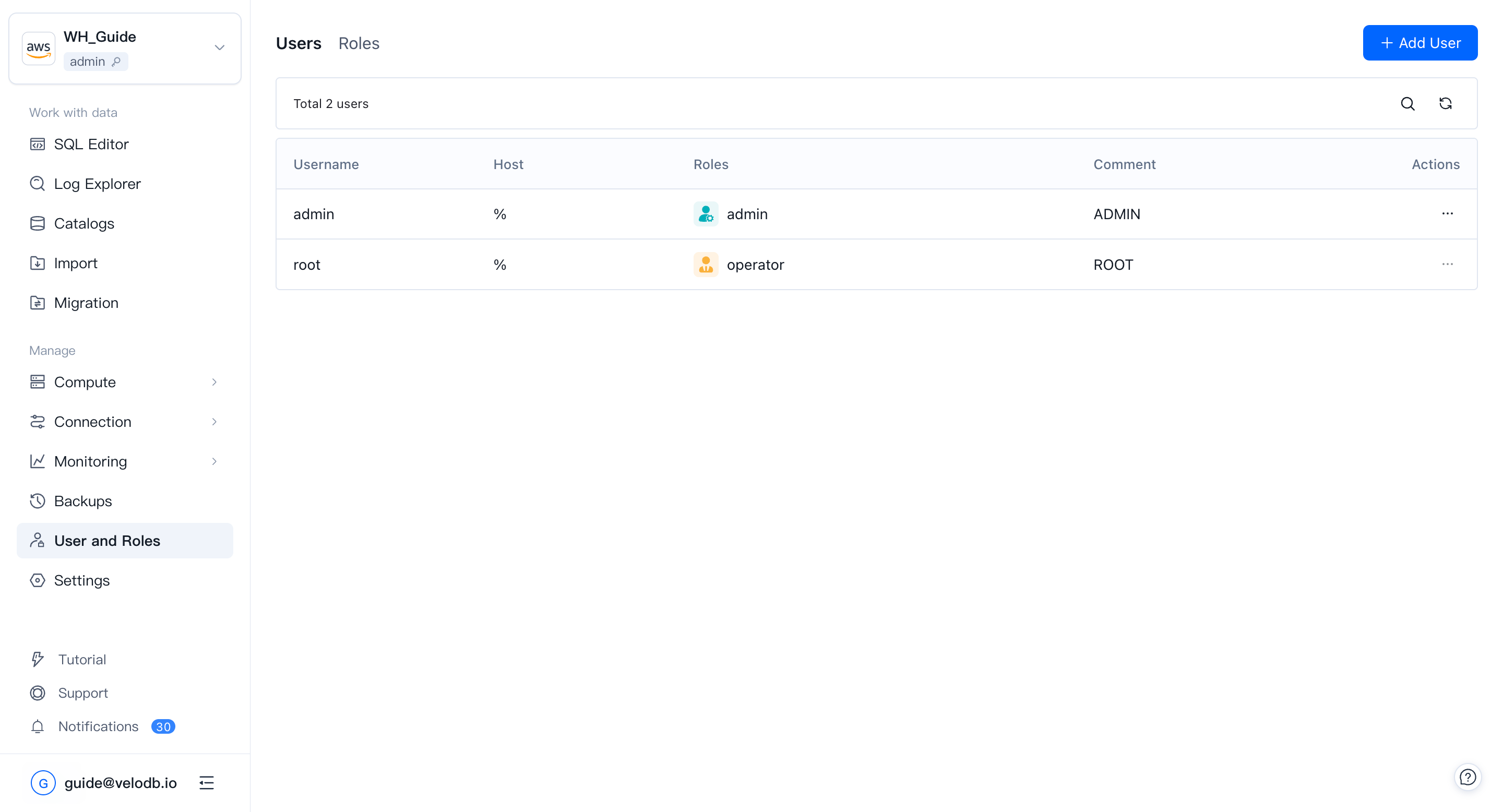
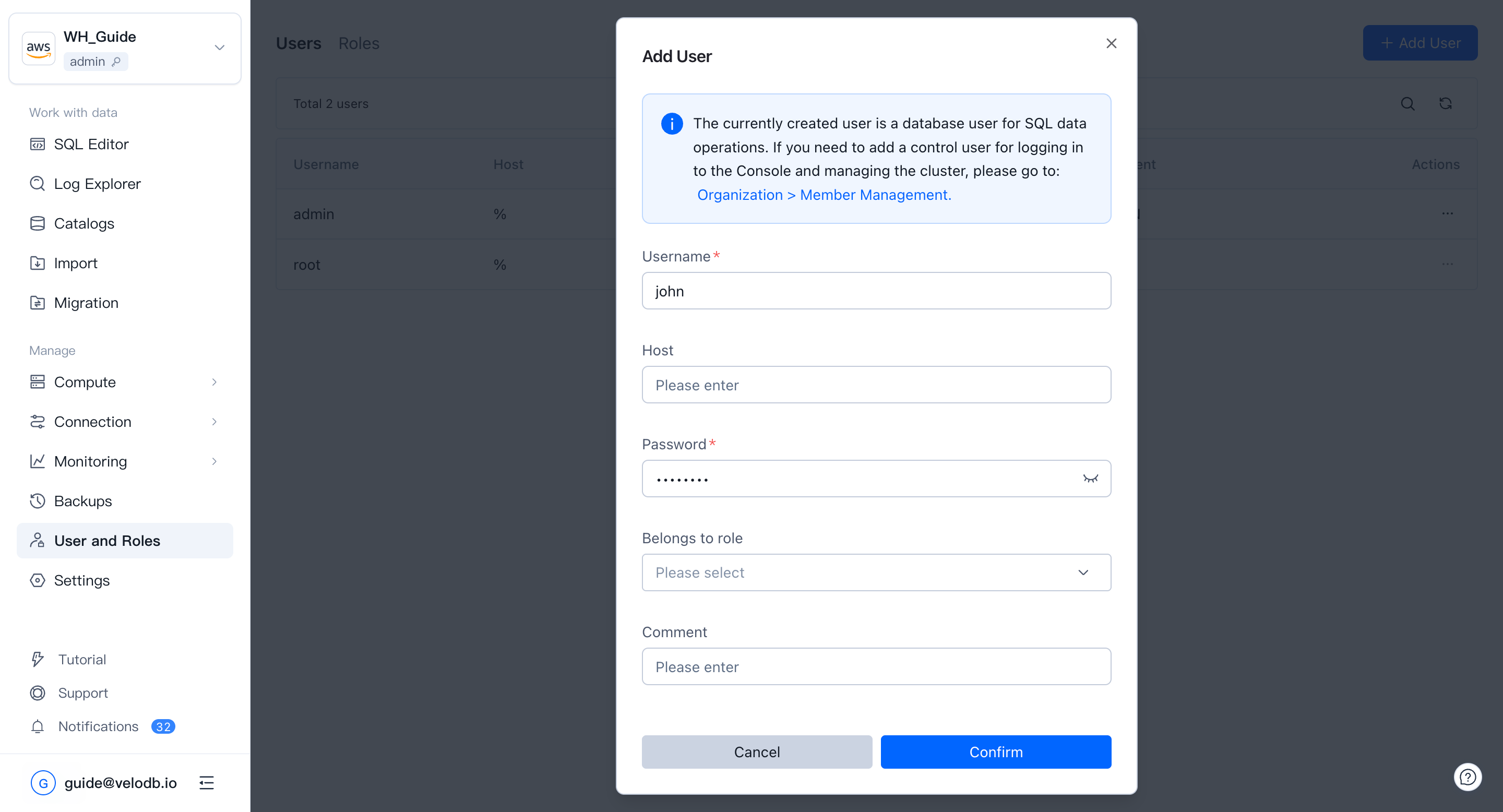
To create a user, only the username is required, but adding a password and restricting the allowed hosts is strongly recommended.
Roles
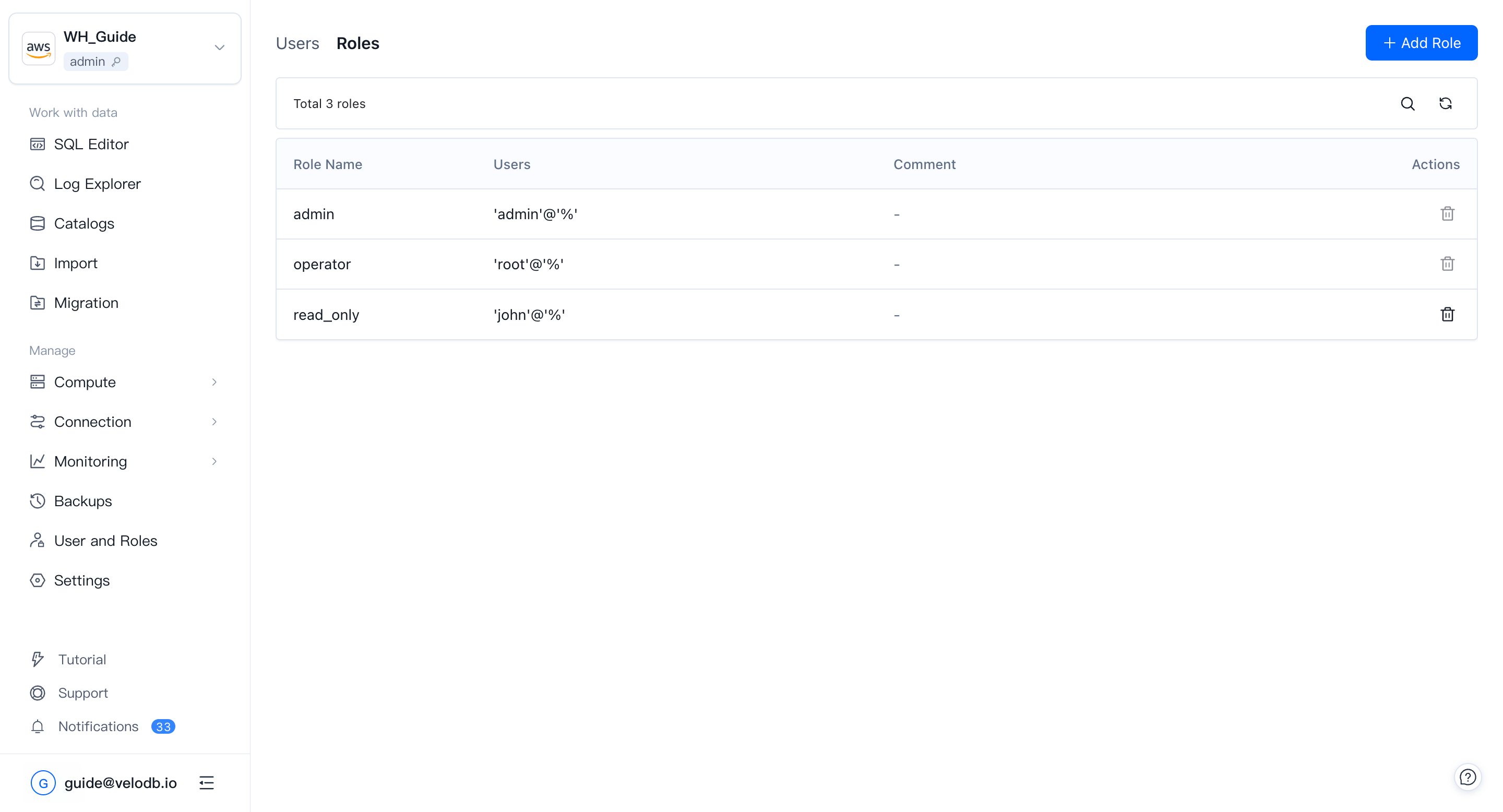
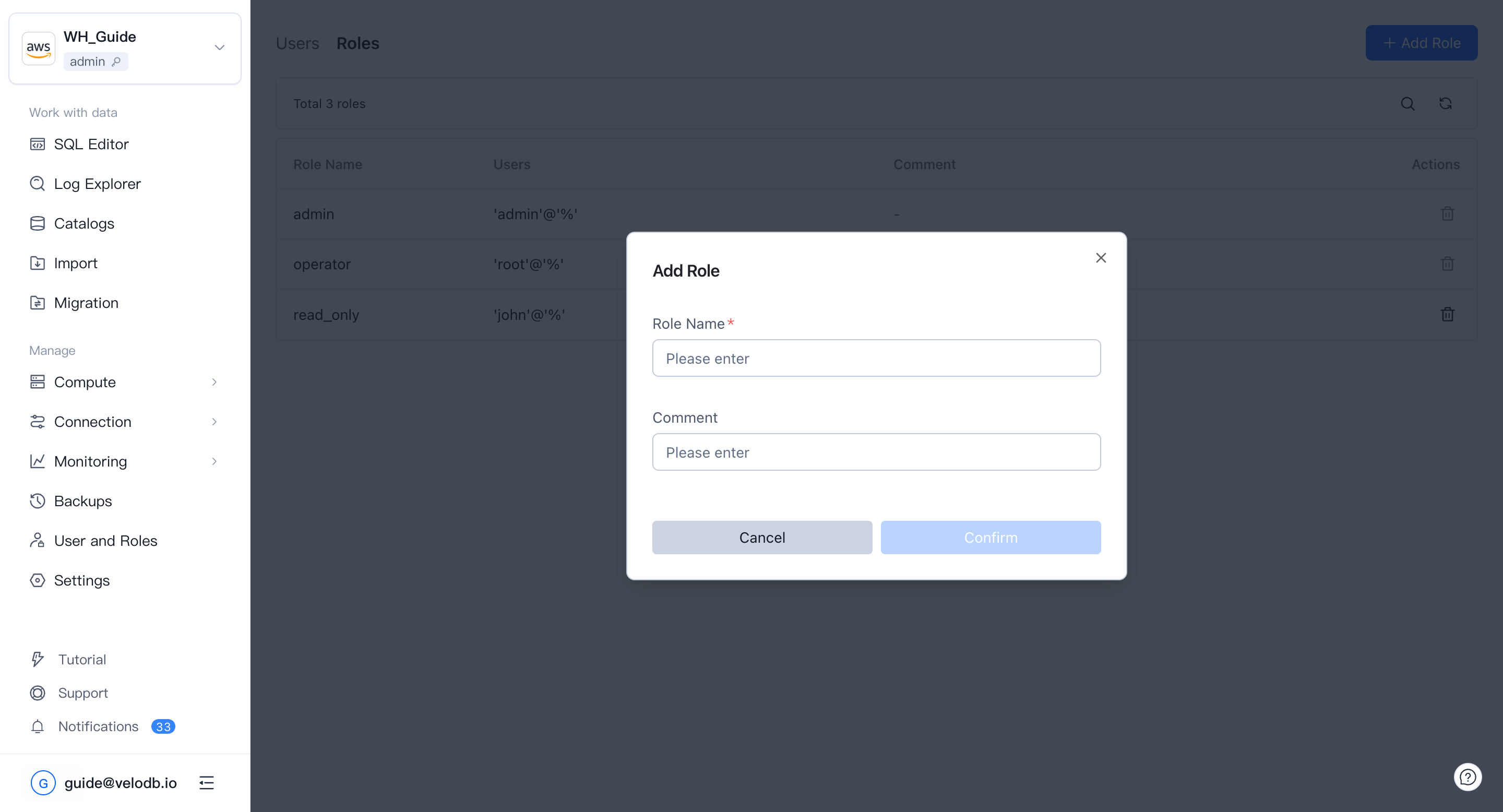
The Roles page lets you manage roles and their authorizations.
Only users with the Admin privilege can add or modify roles.
Note VeloDB does not currently support managing user-to-role assignment through the Roles page. Assign roles when you create or modify a user instead.
Permissions
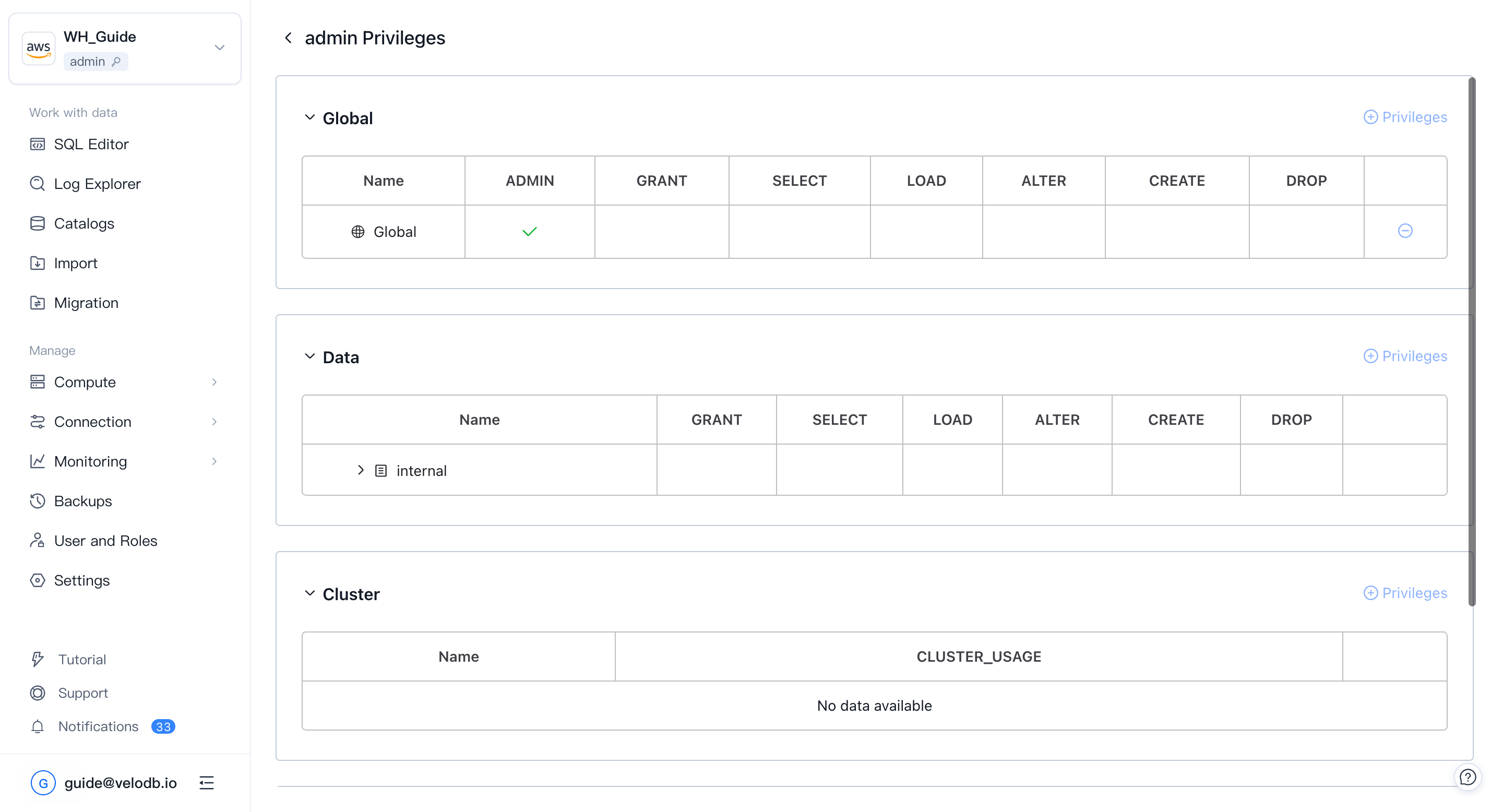
Click a user or role name to open its detail page, where you can grant or revoke permissions. You need the Admin or Grant privilege at the corresponding level to do this.
Permissions are grouped by object type:
| Scope | What it covers |
|---|---|
| Global | Applies to the entire warehouse. A global permission automatically includes the matching permission on every child object. |
| Data | Data-resource permissions, authorized per level. A parent-level grant automatically includes the matching permission on its children. |
| Workload Group | Usage permission only. |
| Resource | Grant and Usage on a resource. |
| Compute Group | Usage permission on a compute group (memory-separated clusters in VeloDB 3.0+). |
| Cluster | Usage permission per cluster (for connection-level access control). |