Access VeloDB Cloud from Your VPC
Software as a service (SaaS) warehouses only.
Use this option to establish a secure private connection for applications in your virtual private cloud (VPC) or virtual network (VNet). Real-time analytics, lakehouse analytics, log analytics, reporting tools, and other applications can access the warehouse without traversing the public internet.
VeloDB Cloud automatically creates and publishes an Endpoint Service for each SaaS warehouse. You create a private Endpoint in your VPC or VNet and connect it to the published service.
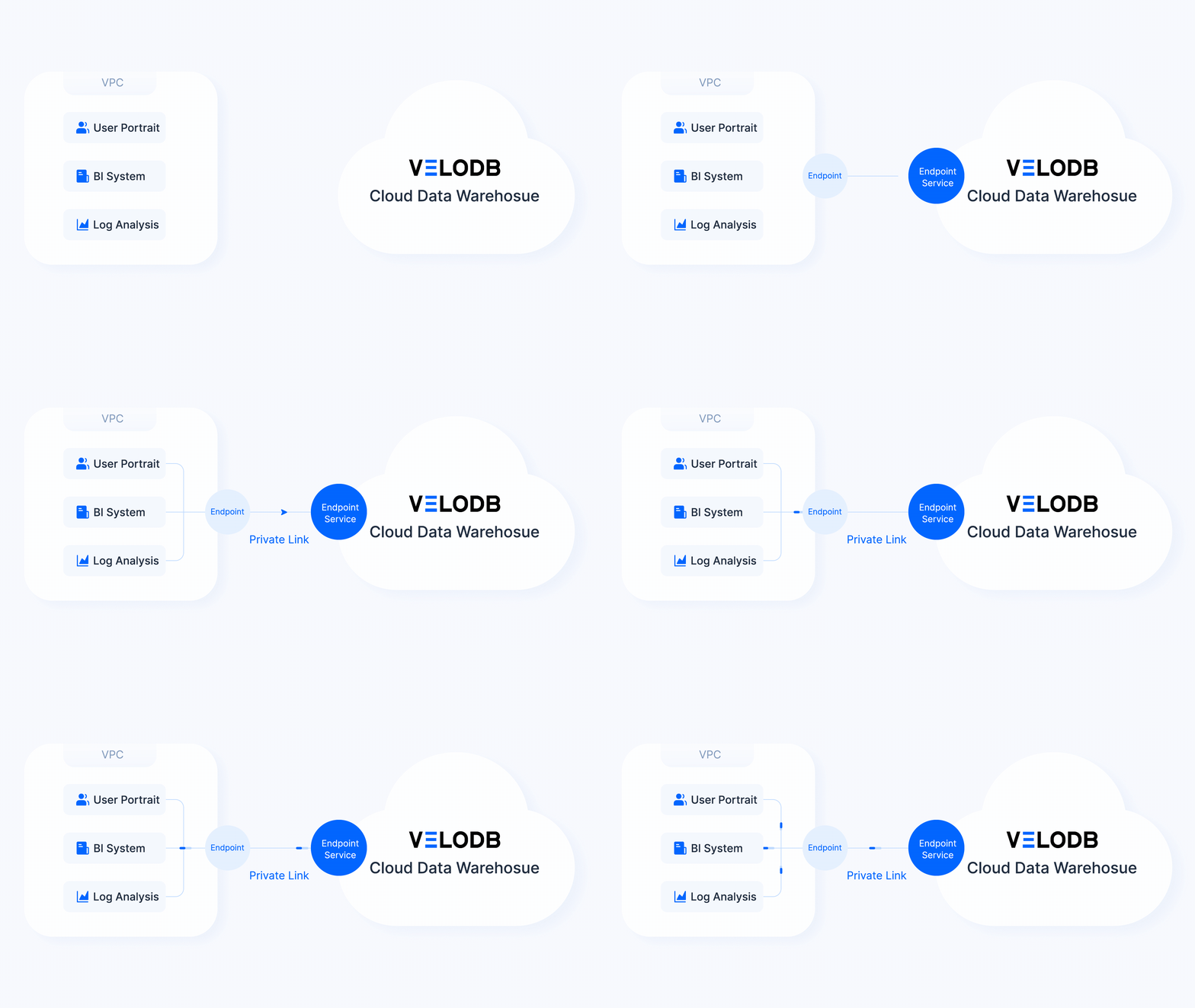
VeloDB Cloud owns and manages the Endpoint Service for the warehouse. You create and manage the Endpoint in your VPC or VNet through AWS PrivateLink or Azure Private Link.
You configure and manage the endpoint subnets, security groups, routing, and private Domain Name System (DNS) in your cloud account. The Internet Protocol (IP) allowlist does not apply to connections through PrivateLink. Standard cloud-provider charges for private endpoints apply. Eligible data transfer may also incur the VeloDB Cloud Data Transfer Fee.
Create the Endpoint in the same cloud provider and region as the warehouse's Endpoint Service. An endpoint in one region cannot connect to the endpoint service of a warehouse in another region.
Before you begin
- Confirm that the warehouse is running.
- Confirm that you can create or manage private endpoints, subnets, security groups, routes, and private DNS records in your cloud account.
- Select a VPC or VNet that your applications can reach.
- Confirm that the endpoint region matches the warehouse region.
Choose a cloud provider
Follow the procedure for your cloud provider:
After the endpoint is ready, open the endpoint row in Private Endpoint > Access VeloDB from Your VPC and copy the connection details for your client. See Connection Methods.