IAM Role for Cross-Account S3 Access
If you plan to use a Catalog to read from S3 buckets in another AWS account, create an IAM role in that account and allow the IAM role for your VeloDB Cloud warehouse to assume it.
-
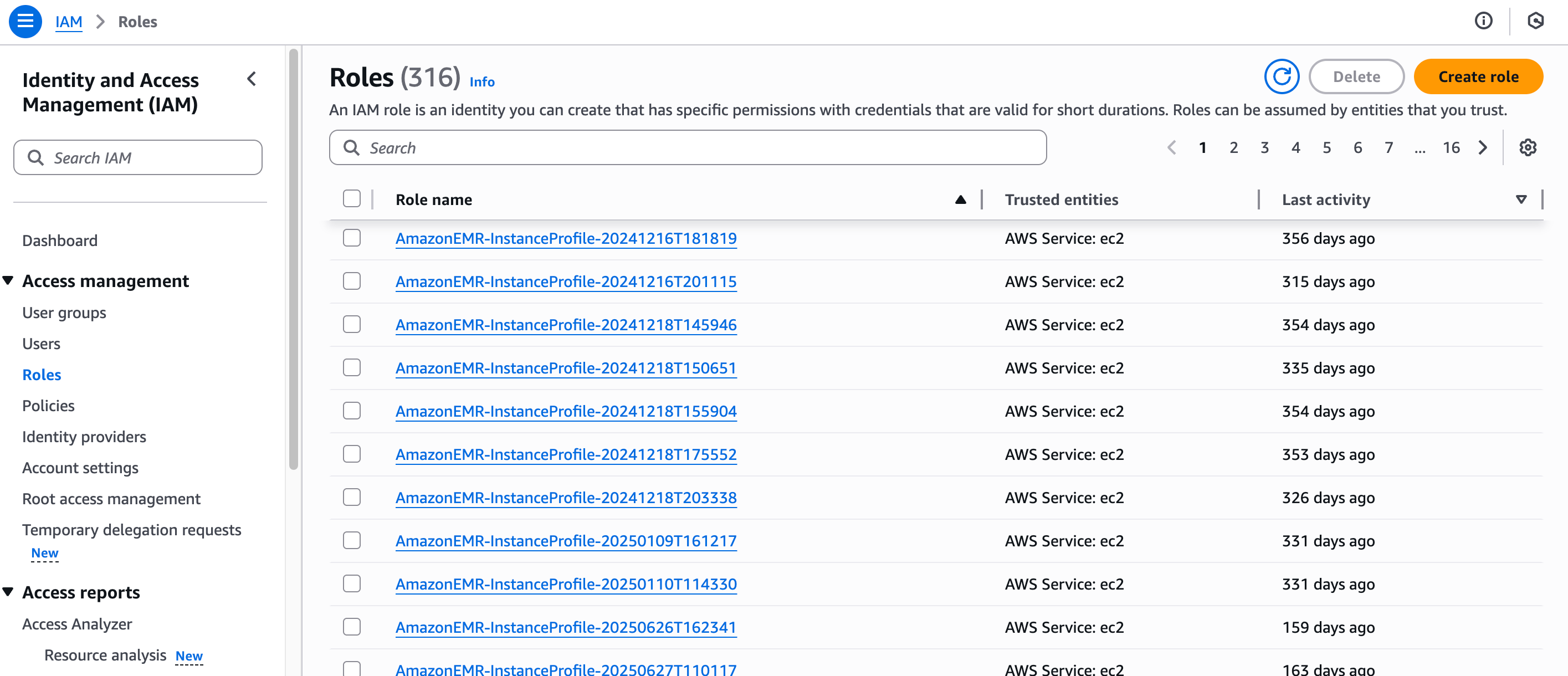
In the target AWS account, open IAM → Roles → Create role.
-
Select Custom trust policy. Replace
<velodb-role-arn>with the IAM role ARN for your VeloDB Cloud warehouse: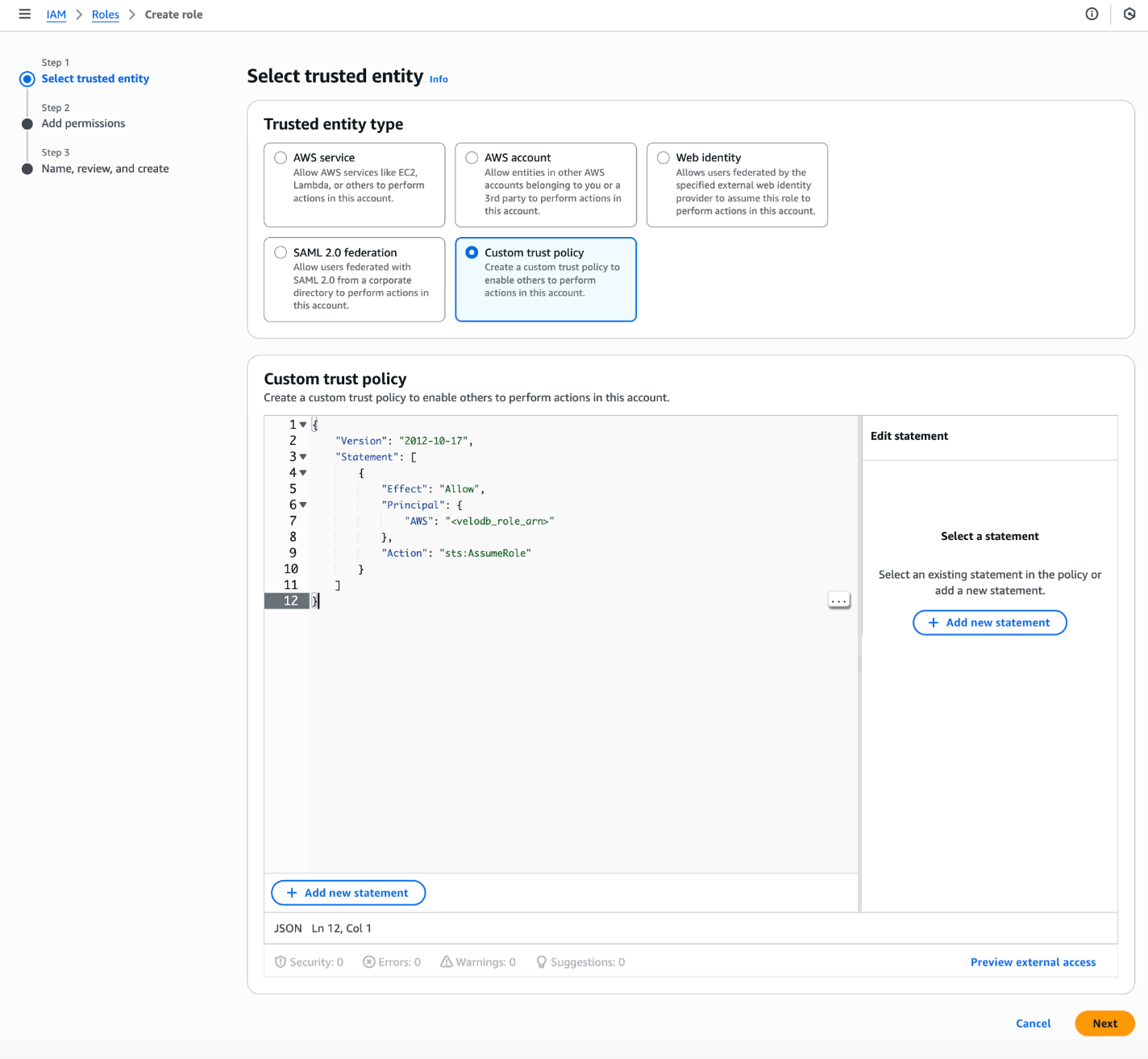
{
    "Version": "2012-10-17",
    "Statement": [
        {
            "Effect": "Allow",
            "Principal": {
                "AWS": "<velodb-role-arn>"
            },
            "Action": "sts:AssumeRole"
        }
    ]
} -
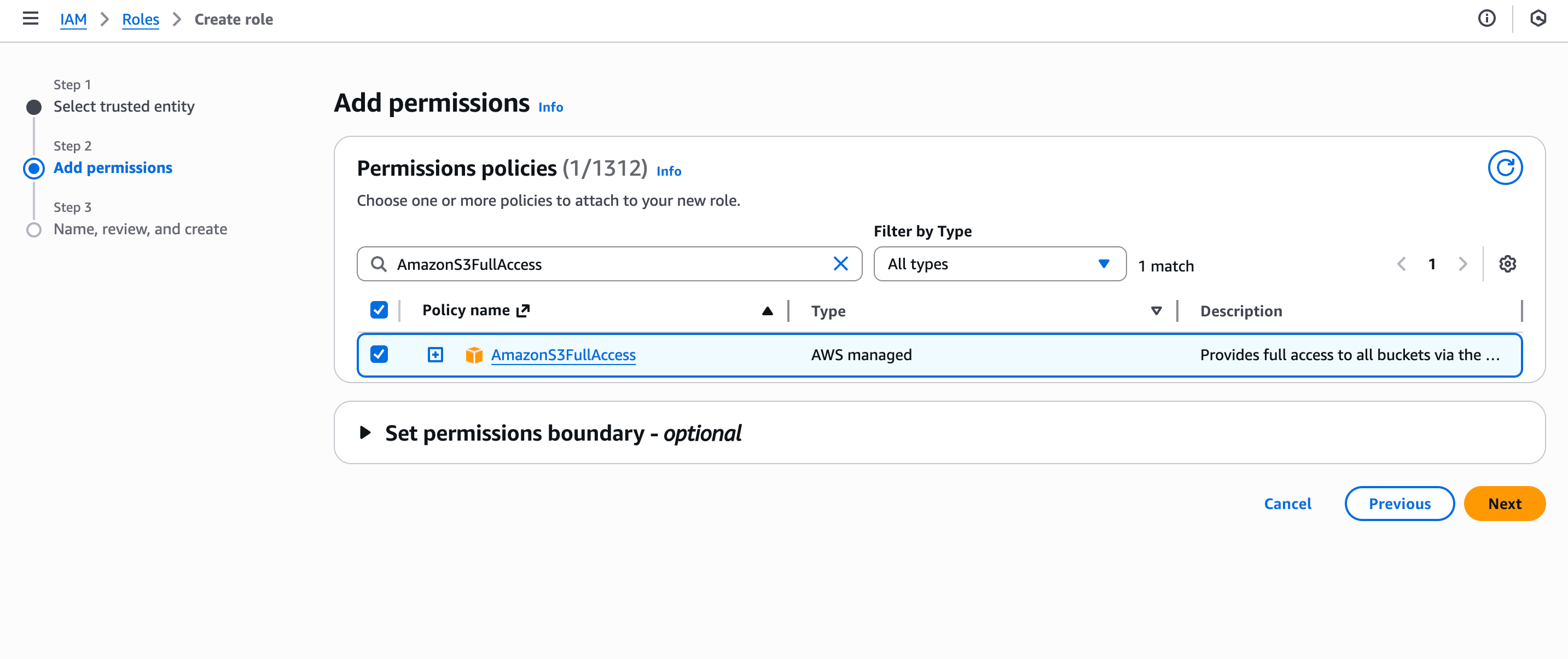
Attach a policy that grants the role the required access to the S3 buckets, then click Next.
-
Name the role and click Create role.
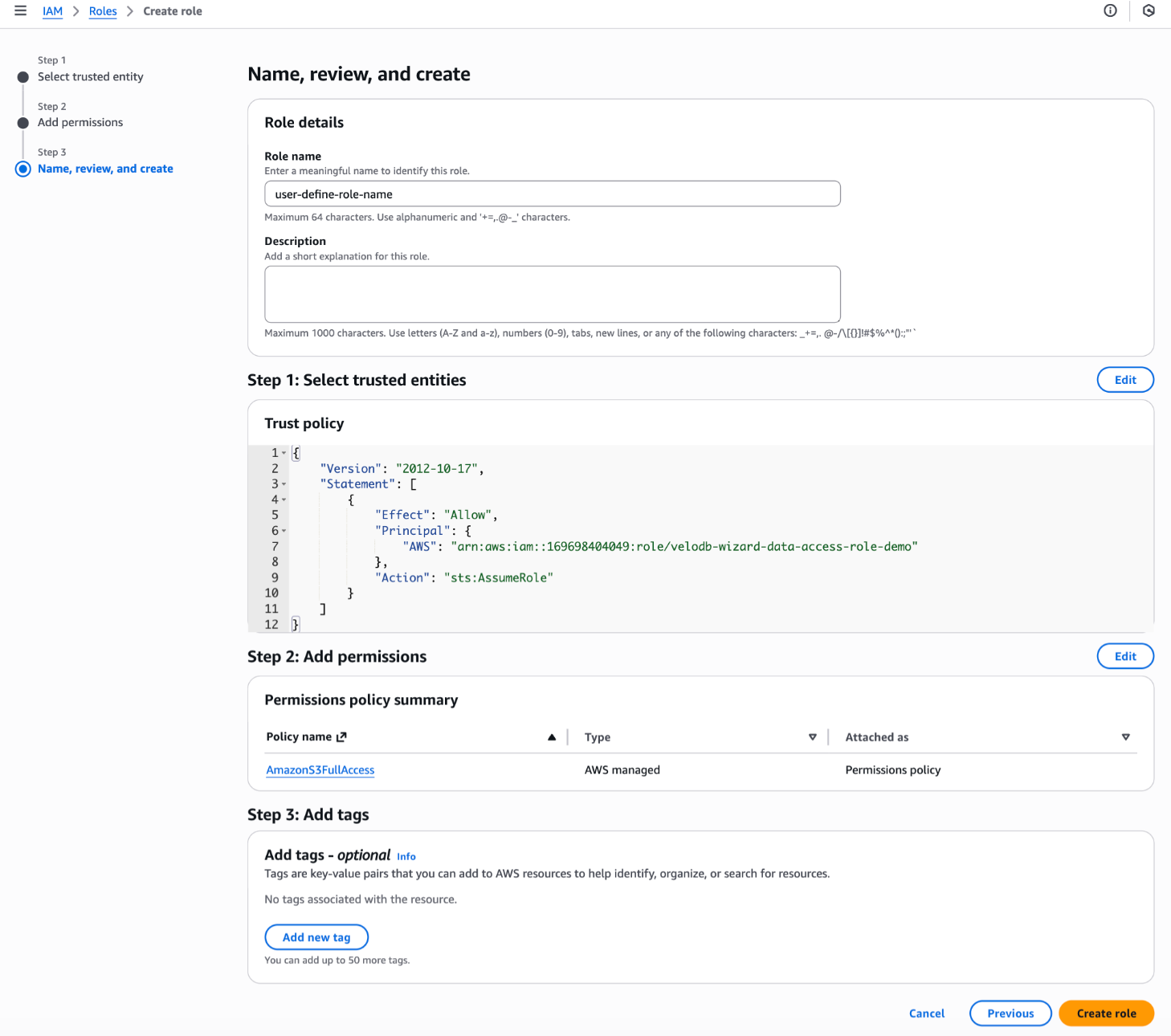
-
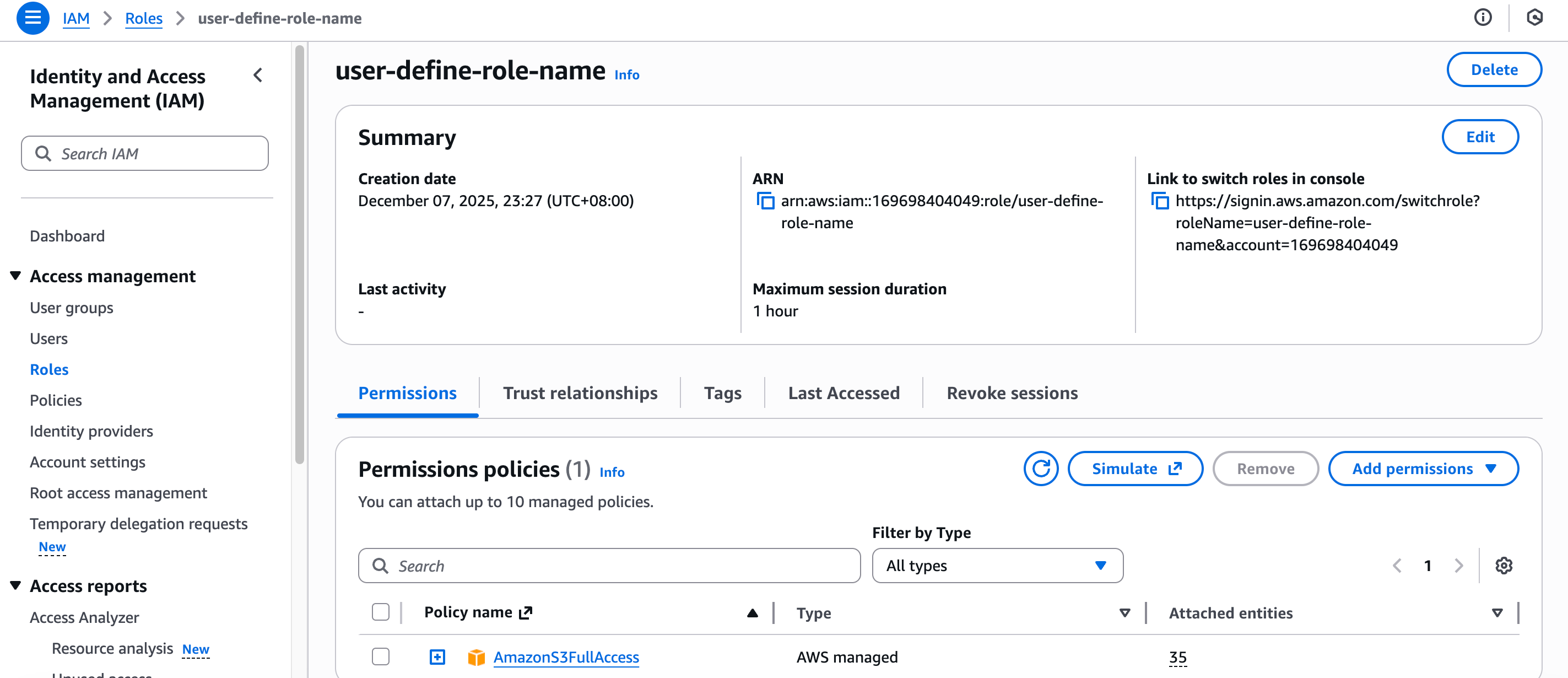
Open the role and copy the ARN from the summary, then paste it into VeloDB Cloud when configuring the Catalog integration.