Usage
Usage shows how compute, cache, and storage are being consumed inside the current warehouse, so you can see where the cost is going.
- Log in to the VeloDB Cloud console.
- In the upper-left corner, select the warehouse that you want to use.
- In the left navigation pane, under OBSERVABILITY, click Usage.
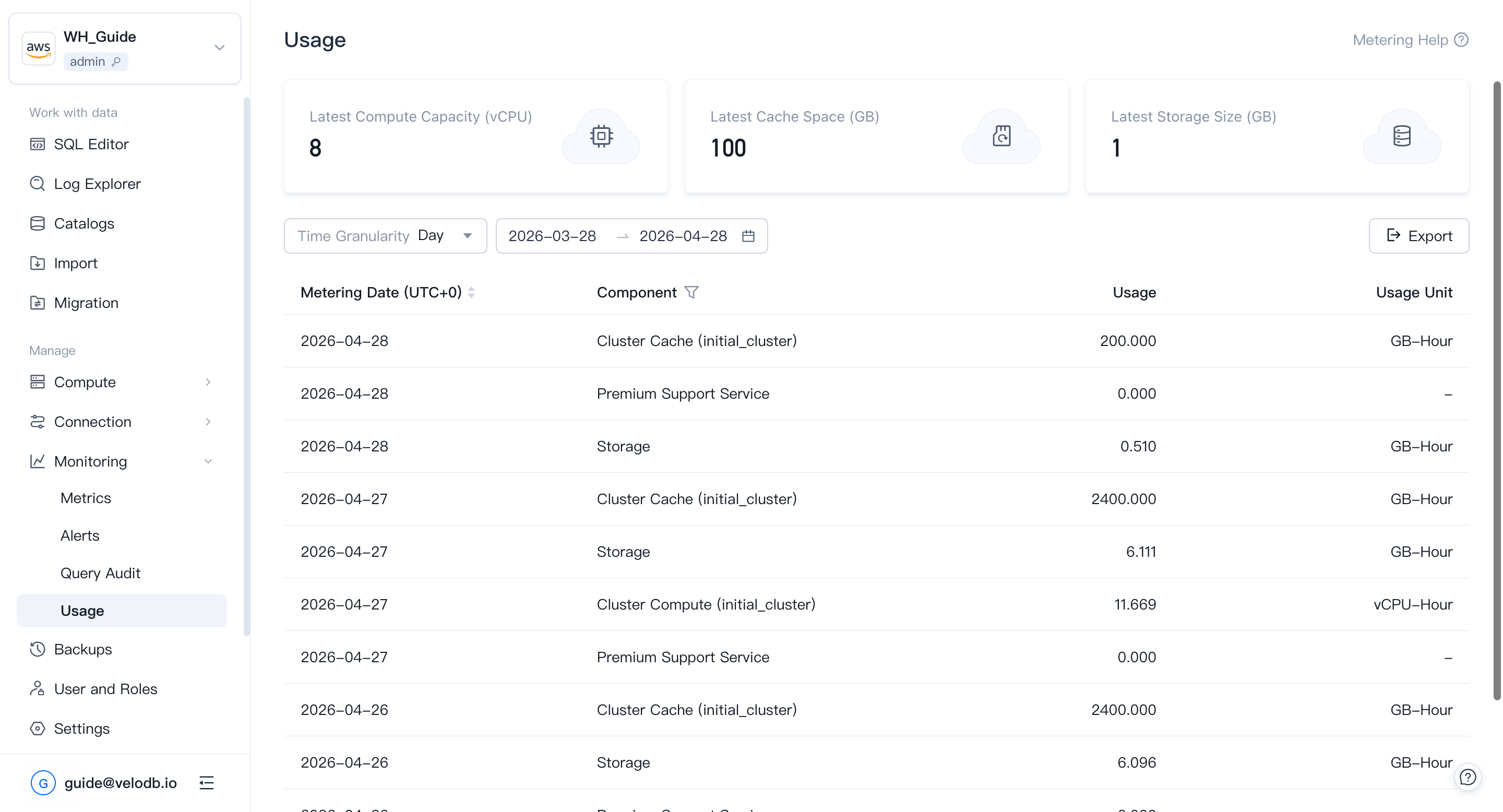
For organization-level billing and payment channels, see Billing.