Members
Members is where you manage who has access to your VeloDB Cloud organization and what they can do.
Open the panel from your avatar in the bottom-left corner, then click Members under Organization.
Note Members are organization-level identities used to sign in to the VeloDB Cloud console. For database-level users that applications and BI tools use to connect to a warehouse, see Users and Roles.
Invite members
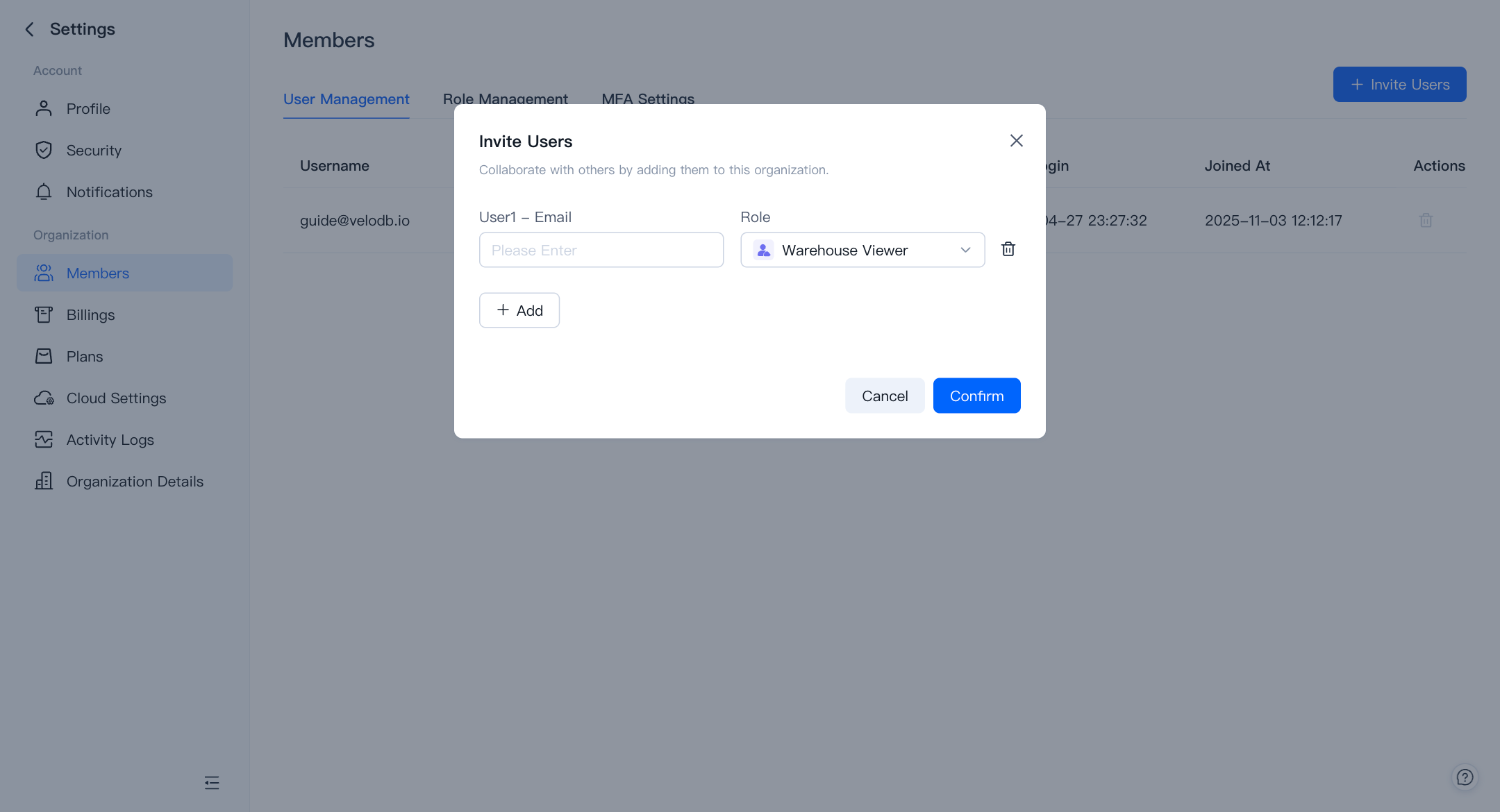
Organization Admins can invite new users and assign them a role. New users join the organization by activating the link in the invitation email.
Roles
An organization has three built-in roles. You can also create custom roles with any combination of the four permission categories.
| Role | Manage Access Control | Manage Billing | Manage Organization | Manage Warehouses |
|---|---|---|---|---|
| Organization Admin | Yes | Yes | Yes | Create / Edit / View / Query / Monitor |
| Warehouse Admin | No | No | No | Edit / View / Query / Monitor |
| Warehouse Viewer | No | No | No | View / Query / Monitor |
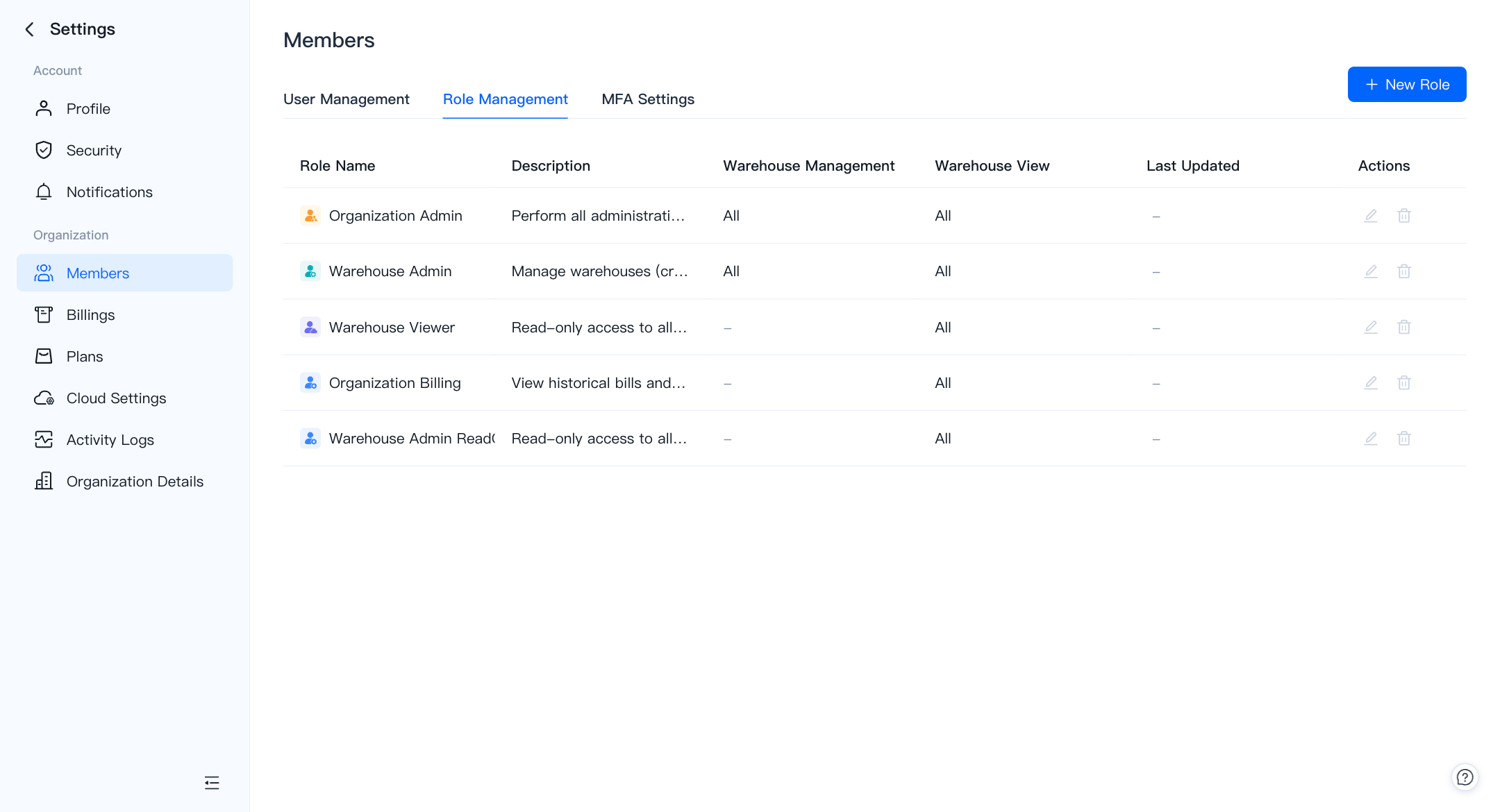
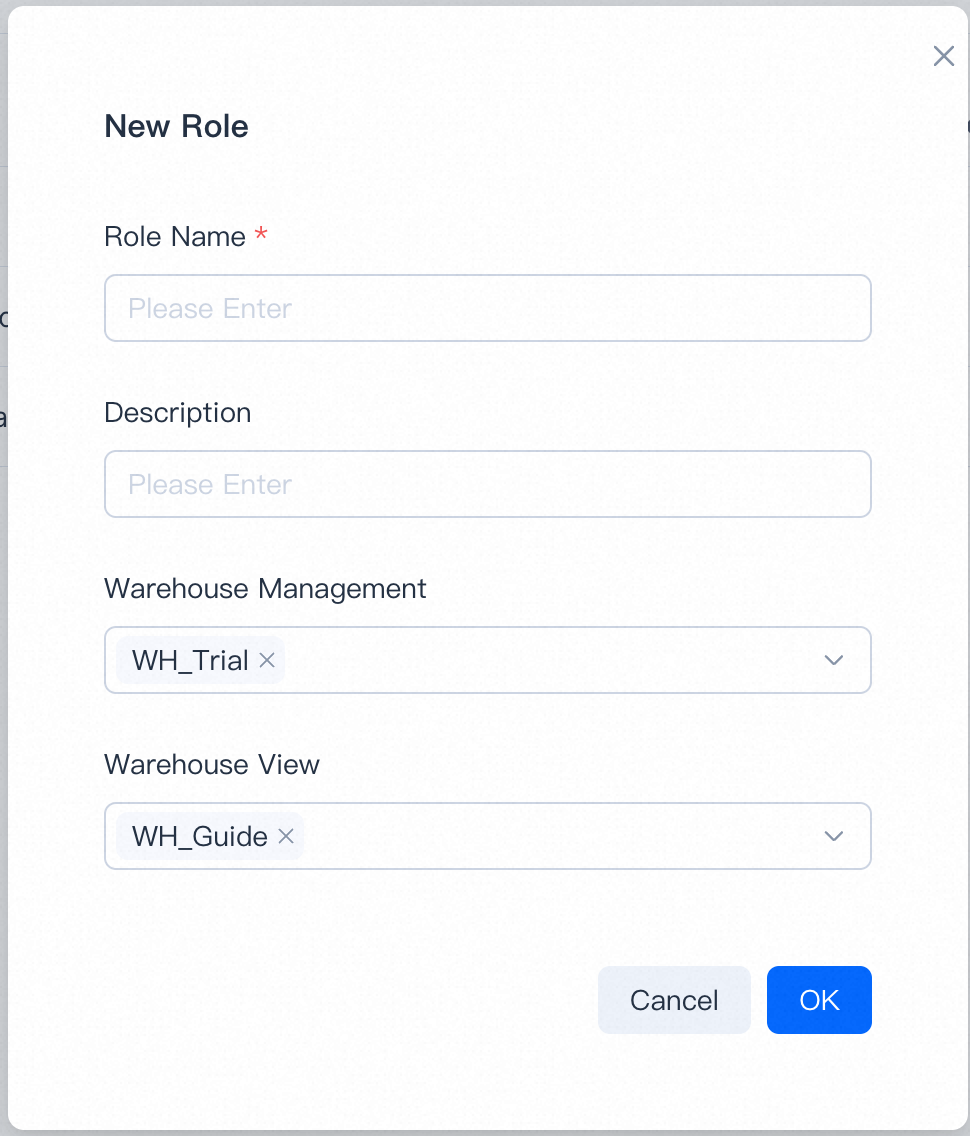
To create a custom role, pick a role name and tick the permissions you want. Custom roles can be edited or deleted.
The user who creates the organization is automatically the Organization Admin.
Enforce organization-wide MFA
Turn on organization MFA to require every member to complete multi-factor authentication at sign-in.
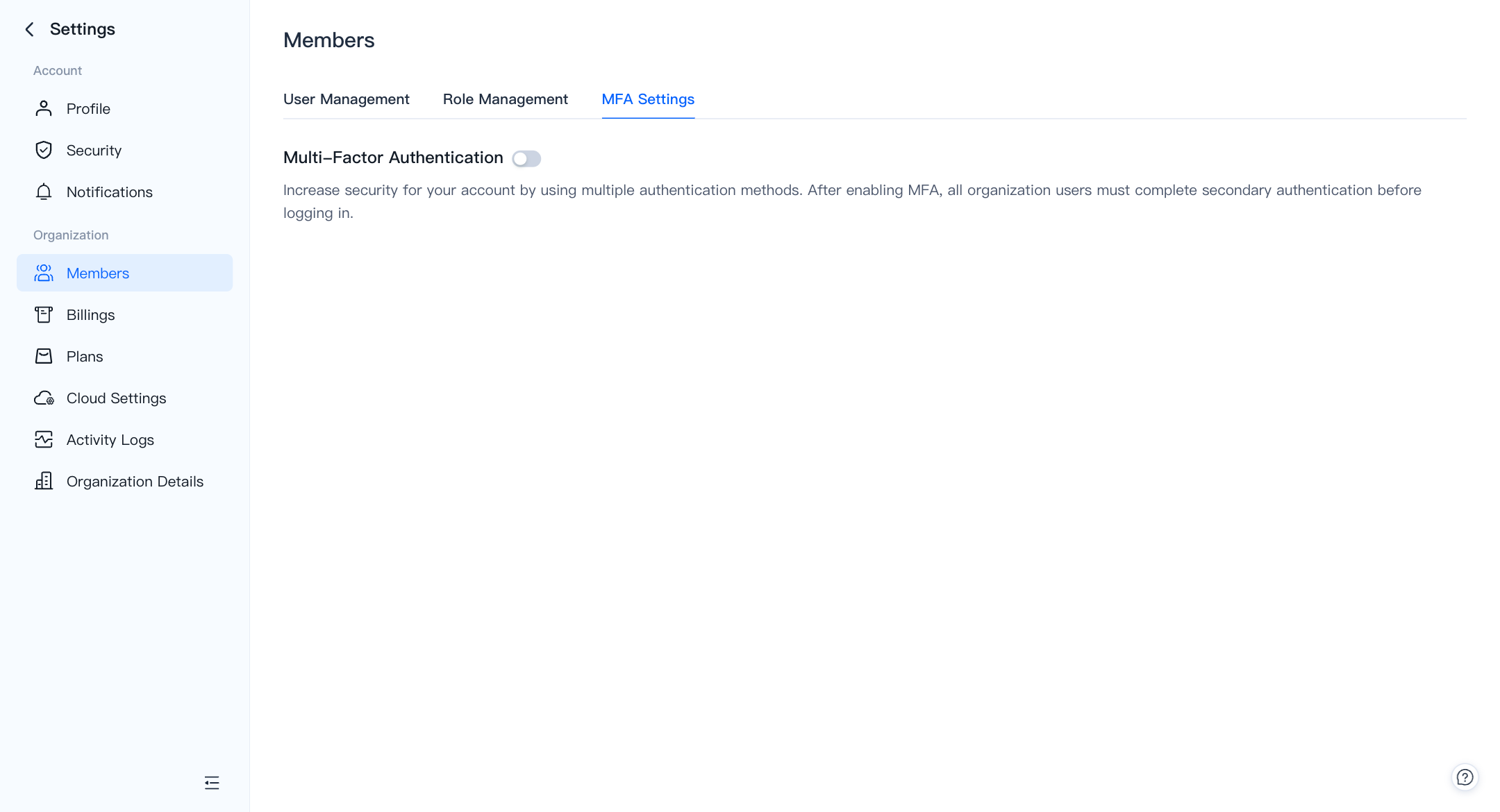
To enable MFA for your own account only, see Account → Security in the user menu.