Credit Card
A registered credit card is charged automatically each billing cycle, making it the simplest way to keep your VeloDB Cloud service running without manual top-ups.
How credit card billing works
VeloDB Cloud collects usage data every minute and bills hourly. Charges are applied to your registered card automatically based on compute, storage, and cache consumption. You can review all charges on the Billing Statements page.
Warning If your credit card charge fails and no other active deduction channel (cash, credits, or cloud marketplace) covers the outstanding balance, the service will pause. Data is retained for 7 days.
Add a credit card
On the Billing Overview page, click Add on the Credit Card card to register a card.
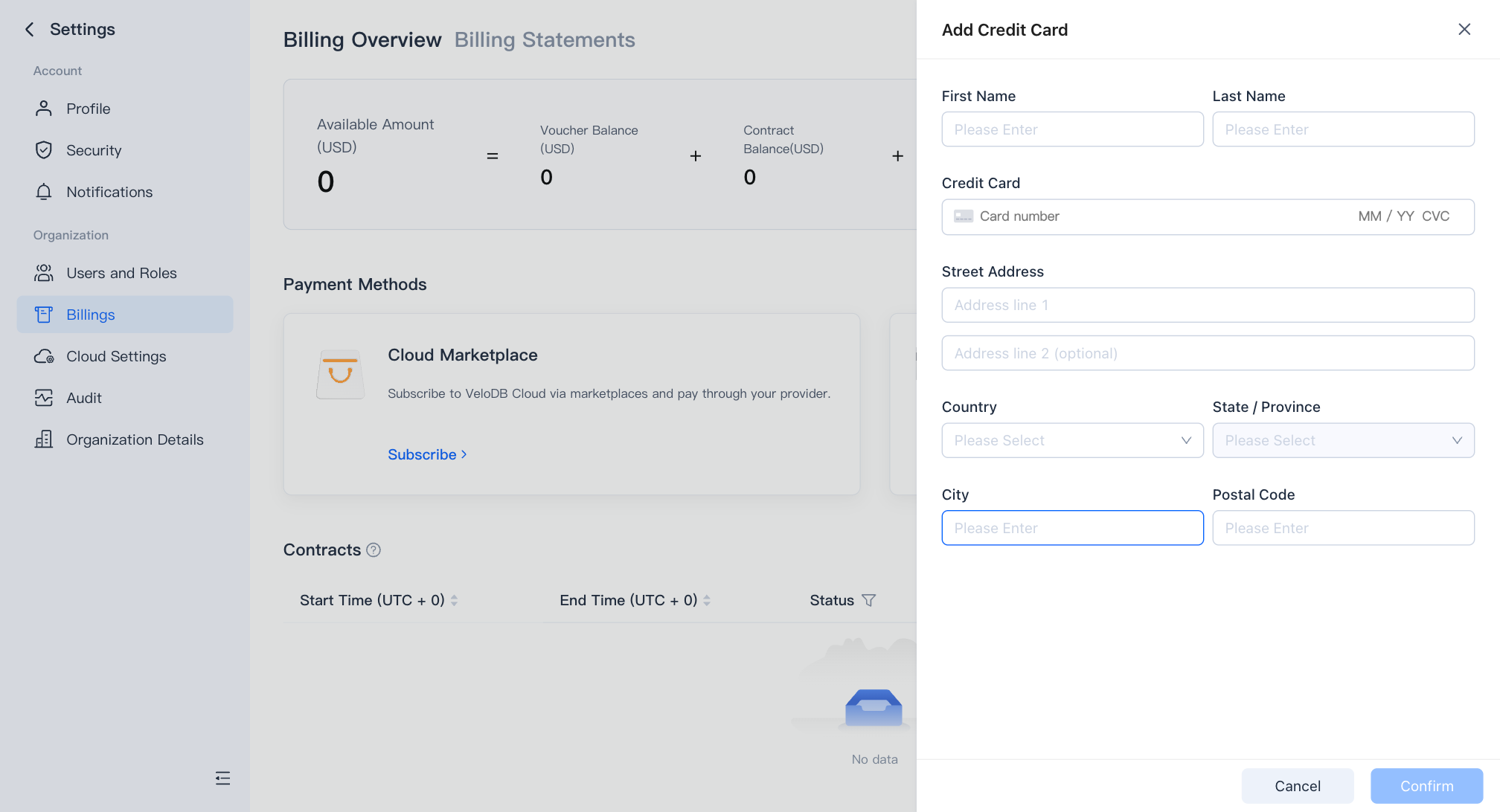
VeloDB Cloud accepts major credit and debit cards including Visa, Mastercard, and American Express. Card information is handled securely and is never stored on VeloDB Cloud servers.
Update or remove a card
You can update your registered card at any time from the Billing Overview page — the new card takes effect immediately for future charges. To remove a card entirely without replacing it, contact the VeloDB Cloud support team.