Pause and Resume a Cluster
Manual pause / resume
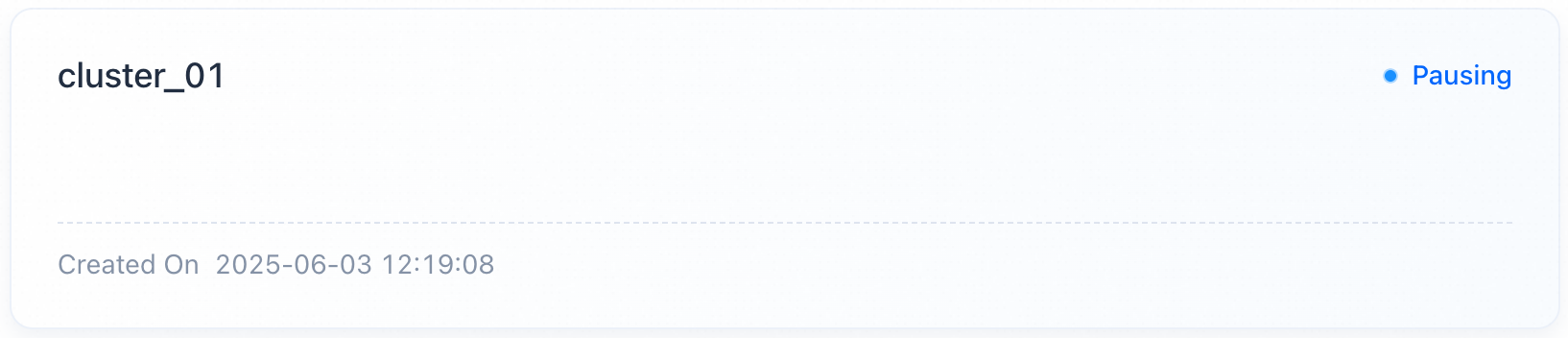
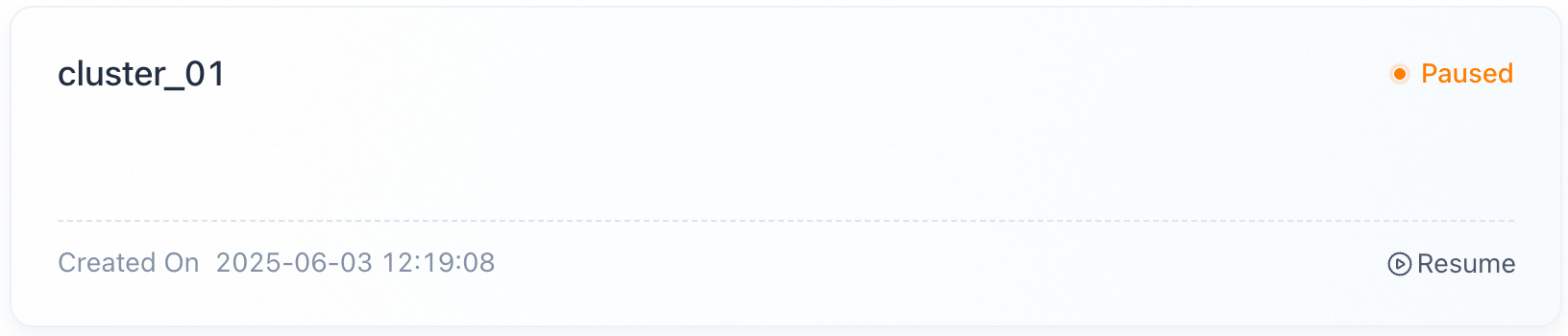
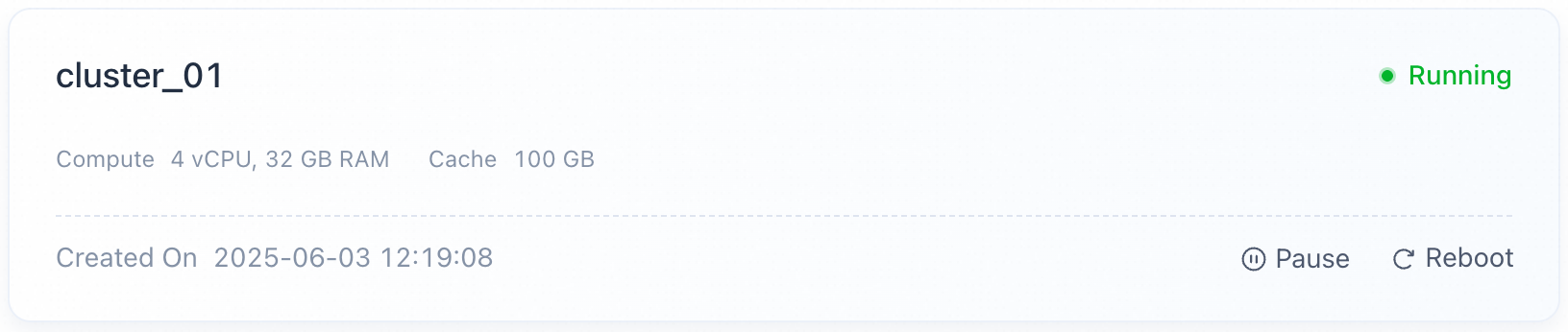
To save costs when a cluster is idle, find the target cluster card, confirm no workload is active, click Pause, and confirm. The status changes to Pausing, and no other operation is allowed until it completes. VeloDB Cloud releases the compute resources and keeps the cache space and its data.
Note
- Pause takes about 3 minutes; status transitions from Pausing to Paused.
- A paused cluster does not respond to business requests.
- Metering and charging for compute stops during the pause; cache space continues to be metered.
- Clusters containing monthly/yearly billing resources do not support pause/resume.
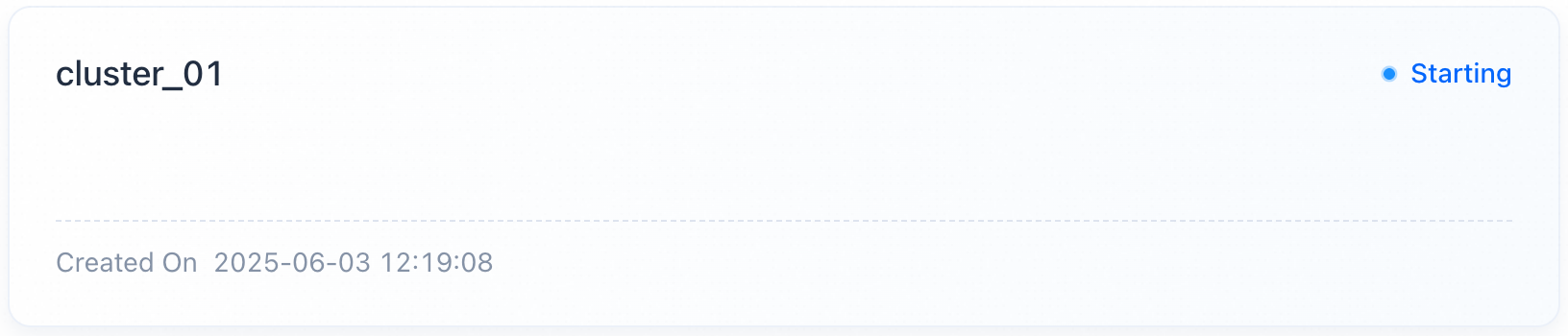
To resume a paused cluster, click Resume on its card and confirm. The status changes to Resuming; VeloDB Cloud brings compute resources back up and mounts the retained cache.
Note
- Resume takes about 3 minutes; status transitions from Resuming to Running.
- The cluster does not respond to requests during resume.
- After resume, metering and charging for the restored compute resumes.
- Clusters containing monthly/yearly billing resources do not support pause/resume.
Auto pause / resume
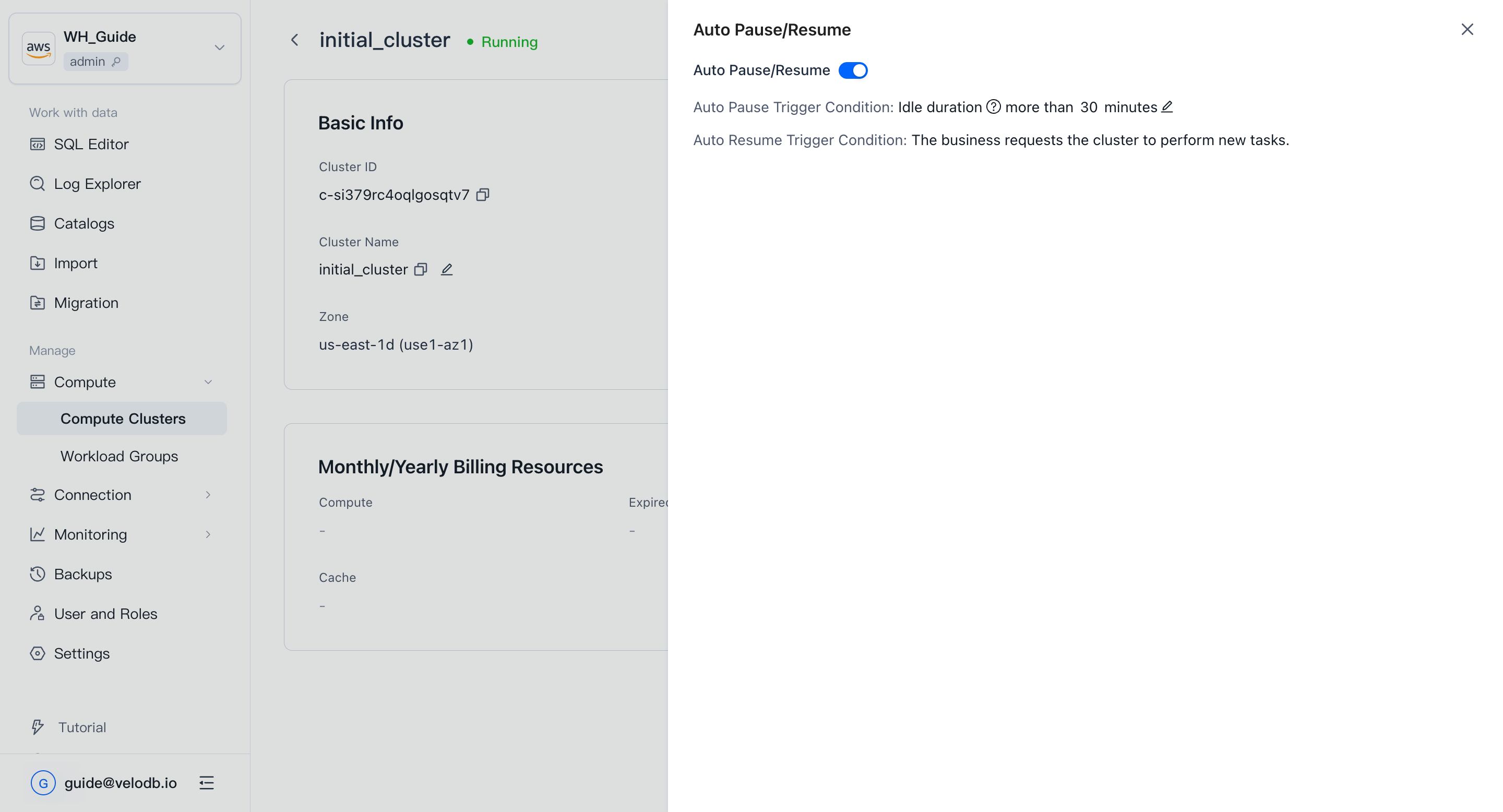
To start and stop idle clusters automatically, open the cluster's Details page and click Set Auto Start/Stop next to Started On, then turn on Auto Start/Stop and set the idle-duration threshold.