請求
請求は、VeloDB Cloud の支払いに関するすべてをカバーしています:組織に対して登録できる引き落とし経路、請求書の生成方法、残高のチャージ方法。
本番環境に移行する前に、サービスを継続稼働させるためにクレジットカードをリンクするか、cloud-marketplace経路を開設してください。
VeloDB Cloud は1分ごとに使用情報を収集し、1時間ごとに課金し、照合とコスト分析のために時間別および月別の請求書を生成します。
Warning クレジットカード / cash / voucher の残高が不足し、cloud-marketplace経路が開設されていない場合、サービスは停止します。データは7日間保持されます。
引き落とし経路
VeloDB Cloud は4つの引き落とし経路をサポートします:credit card、cloud marketplace、cash、vouchers。
Credit Card
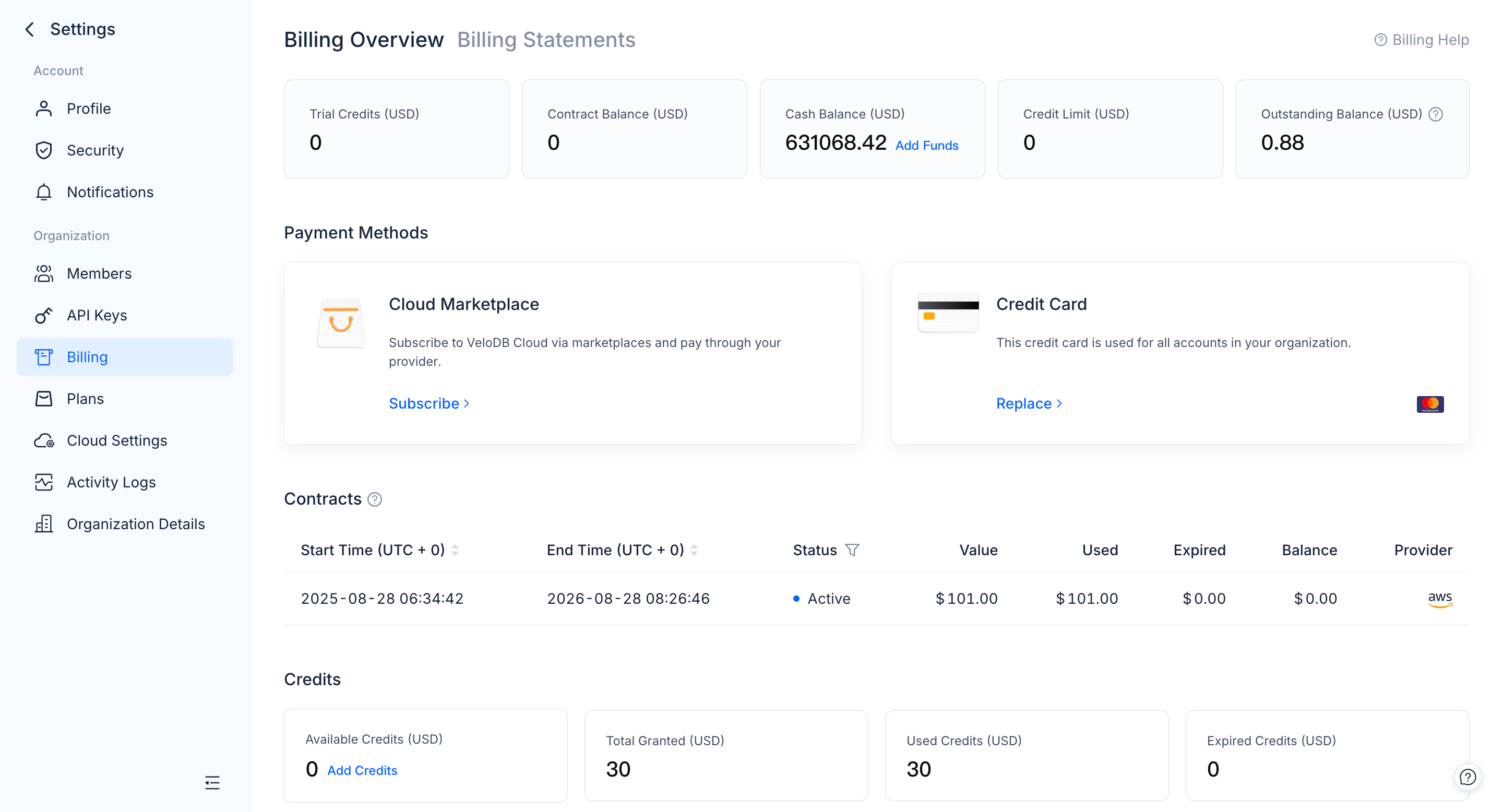
Billing Overview ページで、Credit Card カードの Add をクリックしてカードを登録します。
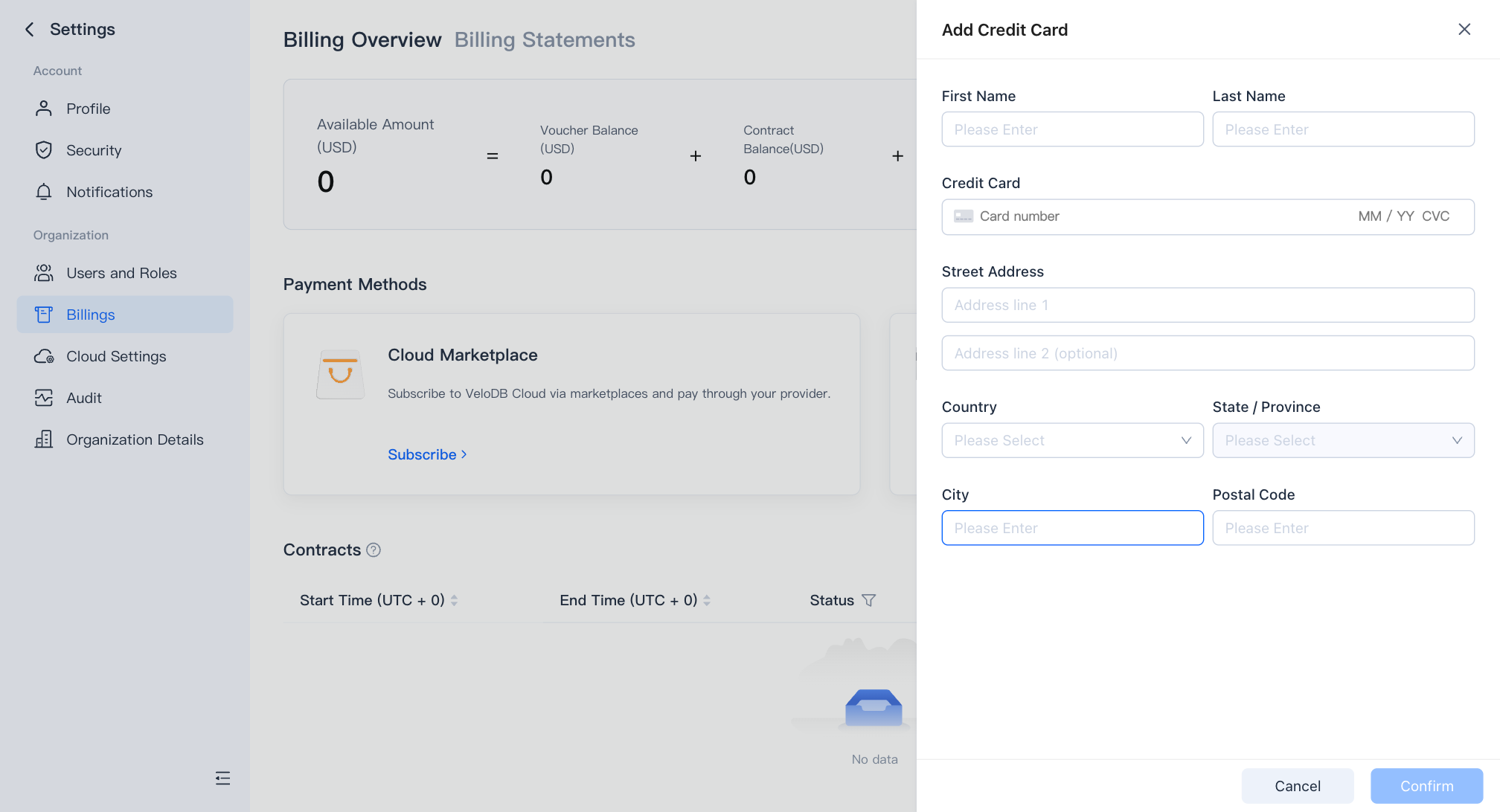
Billing Overview ページからカードを削除することはできませんが、いつでも更新することができ、これにより組織は有効な支払い方法を維持できます。カードを完全に削除するには、VeloDB Cloud サポートにお問い合わせください。
Cash recharge
Billing Overview ページで Recharge をクリックして cash 残高に資金を振り込みます。ダイアログのオフライン振込指示に従ってください。振込が完了すると、VeloDB Cloud が自動的に残高にクレジットします。
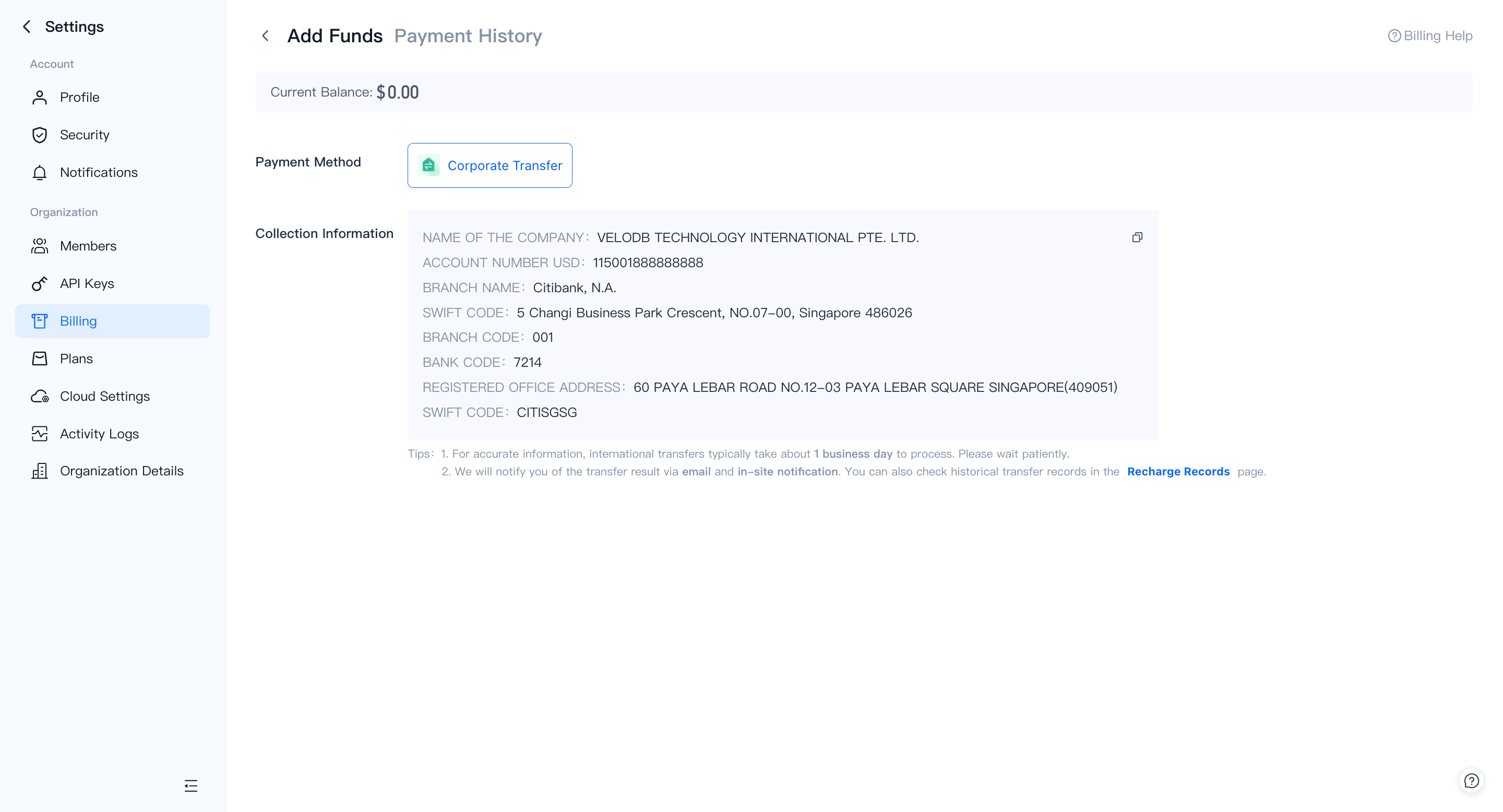
過去のrechargeは recharge records で確認できます。
Vouchers
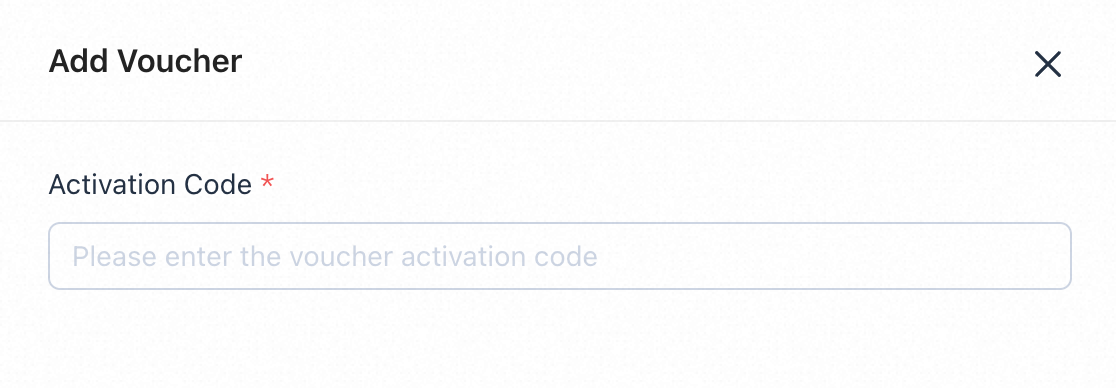
Billing Overview ページで Vouchers に切り替え、Add Voucher をクリックして VeloDB Cloud から発行された voucher-activation コードを入力します。
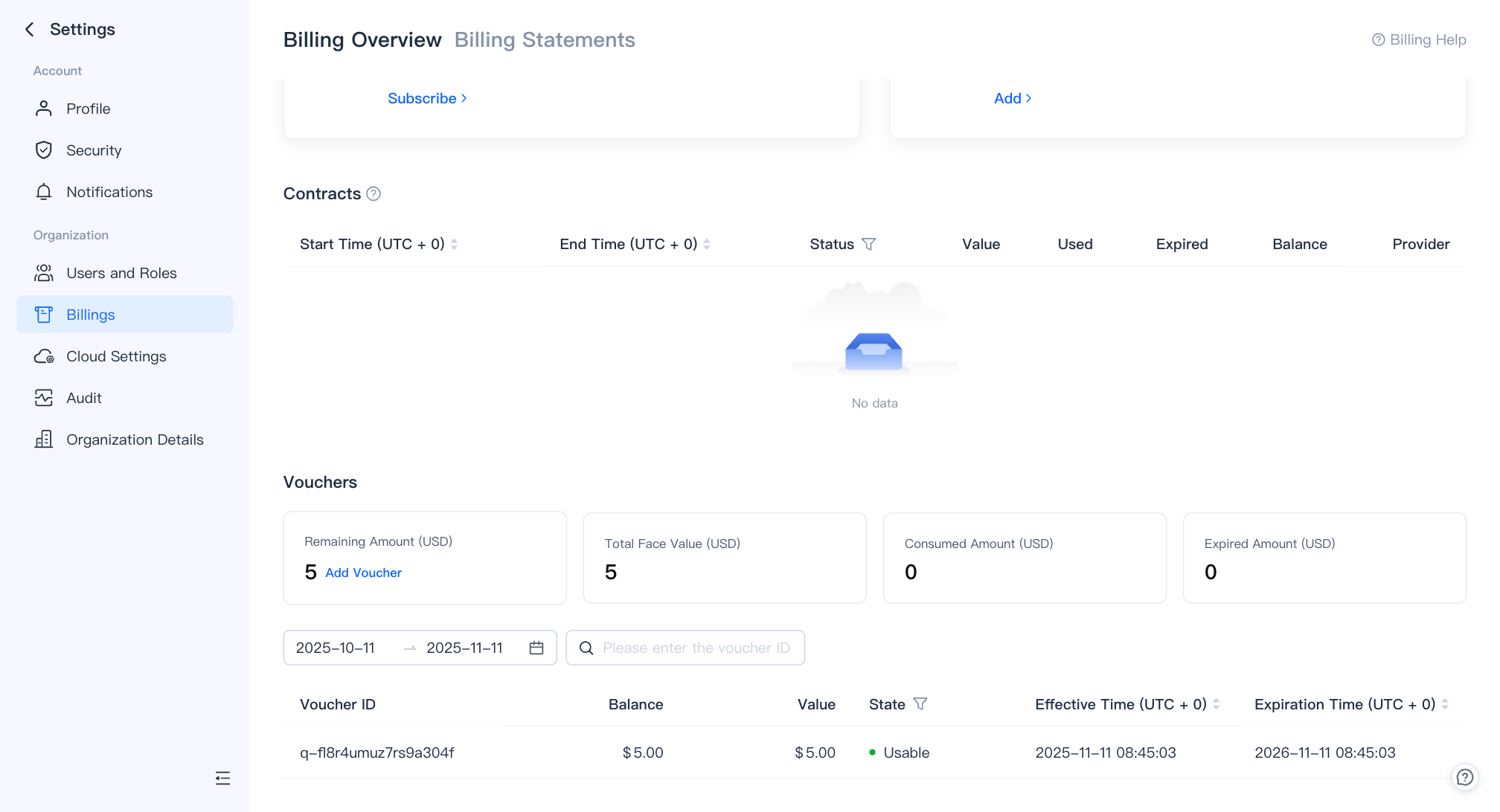
Voucher Management ページでは voucher の使用状況と voucher のアクティベーション履歴も確認できます。
Cloud Marketplace
クラウドプロバイダーの marketplace を通じてサブスクライブすると、VeloDB Cloud の使用量を既存のクラウド請求書に統合できます。認証されると、VeloDB Cloud は自動的にそのクラウドアカウントから後続の費用を引き落とし、他の引き落とし経路(credit card、cash、vouchers)はフォールバックとしてそのまま残すことができます。
Billing Overview ページで、Cloud Marketplace カードの Subscribe(初回時)または Change(2回目以降)をクリックします。表示されるドロワーには、サポートされている marketplace と各々の Go to Subscribe / Go to Unsubscribe エントリが一覧表示されます。
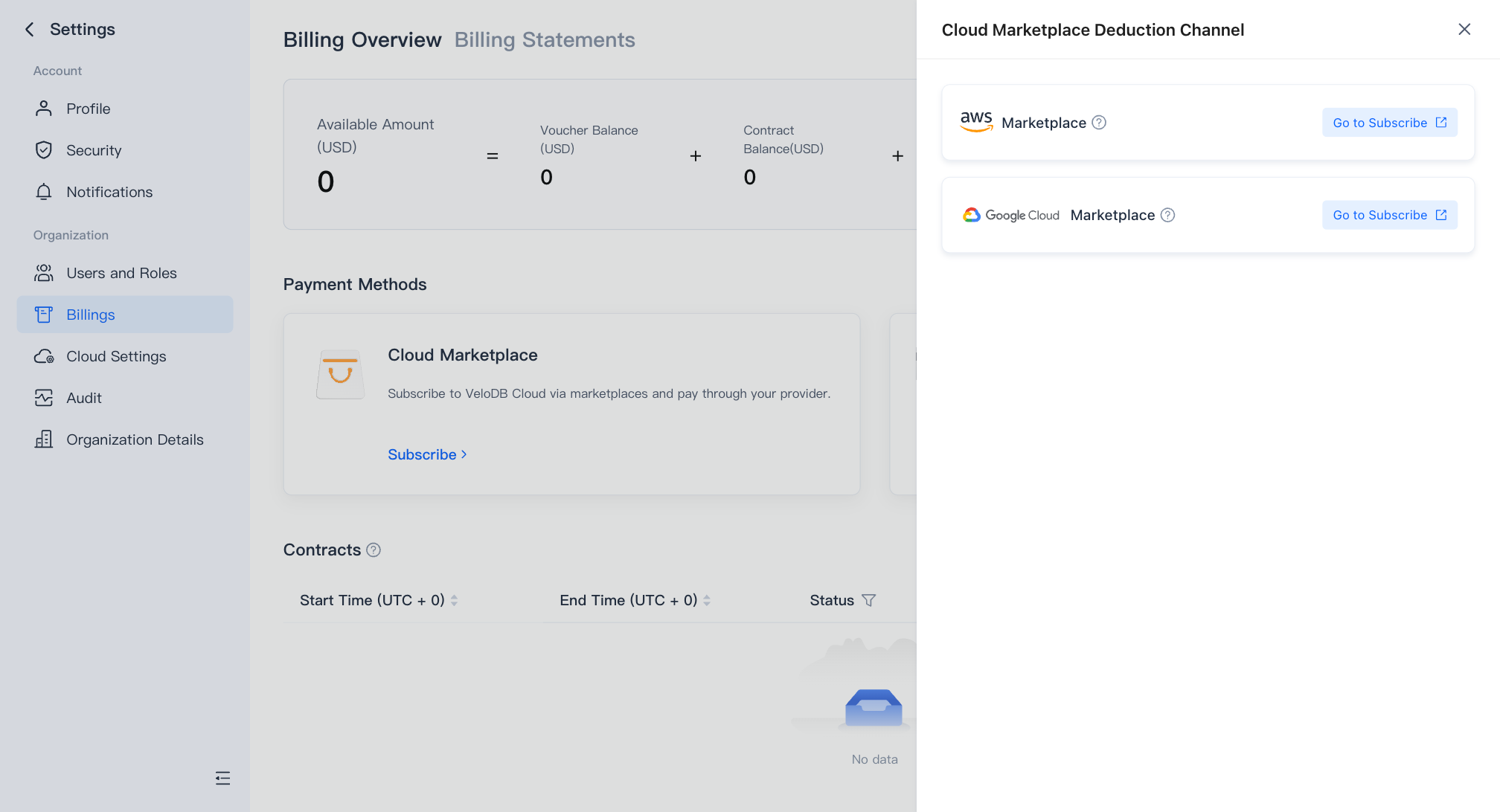
| Cloud | Setup guide |
|---|---|
| AWS | Marketplace on AWS |
| GCP | Marketplace on GCP — 3%の手数料が追加されます |
請求明細書
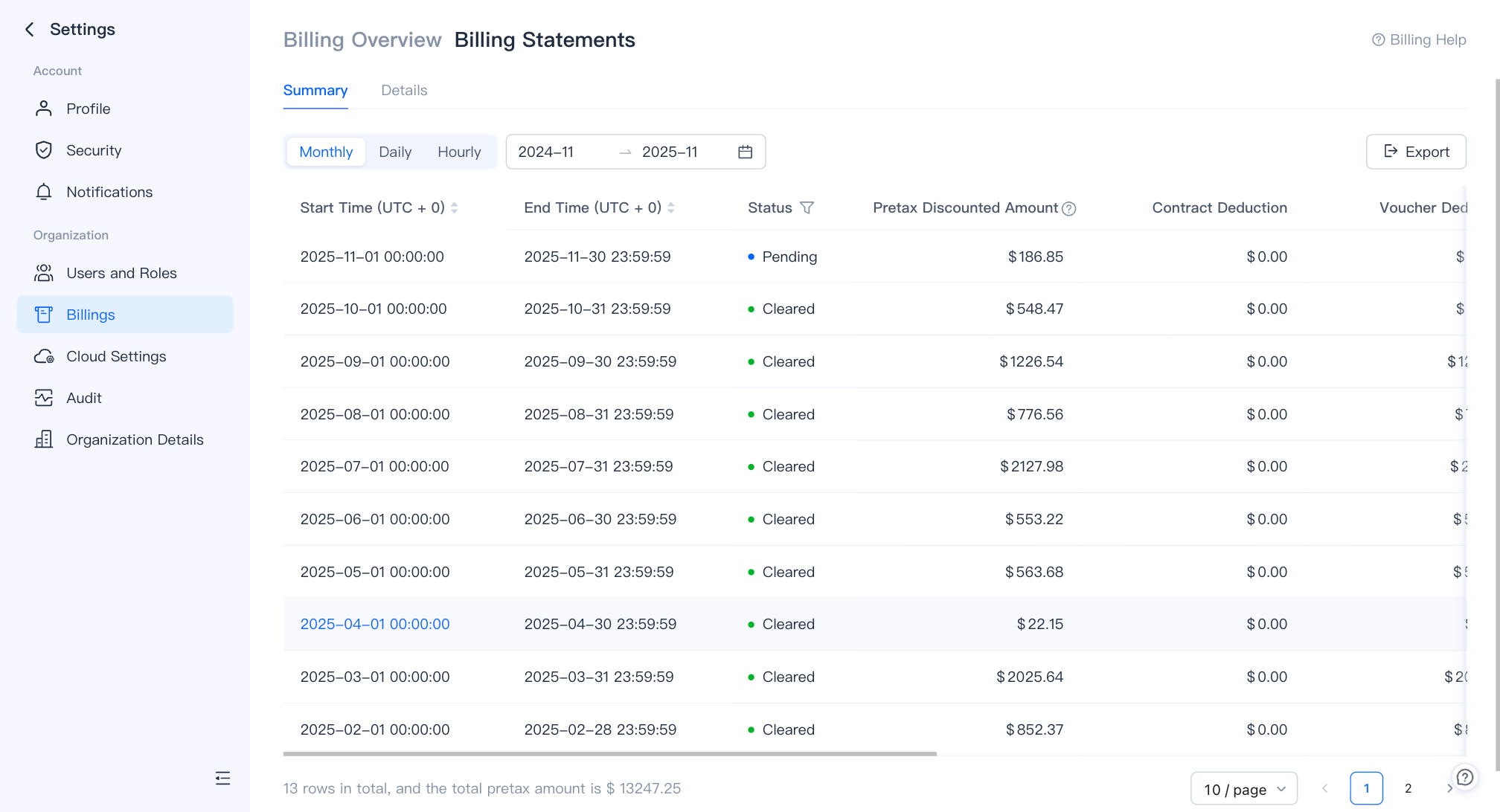
Billing Statements ページで、時間別および月別の請求書を表示またはエクスポートします。